
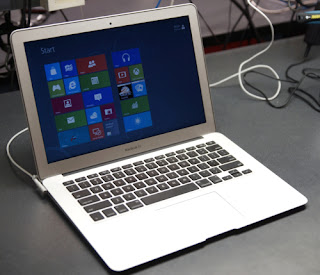
It has to made known to us that older Mac Products like the Macbook Pro, Macbook, Mac Mini, etc are getting random freezes when dual-booting with Windows 8 in bootcamp. The problem surfaced in these machines back when Microsoft released the Developer Preview, but the problem was not fixed even on the Consumer Preview. Now, as Windows 8 has already reached its RTM status, the problem still persists.
Luckily, the guys at Apple forums has found a fix to it and it worked for many, including myself. Here is the step by step fix:
1) Press the Windows button to bring you to the metro home page
2) Type in "CMD"(without quotes)
3) You'll see "Command Prompt", right click on that and Run as Administrator
4) In the new command line window, type in the following commands
"bcdedit /set disabledynamictick yes"
5) Wait until the operation is completed.
6) Restart your machine
This fix may even work on non-Mac products which faces the same issue. Hope this helps!
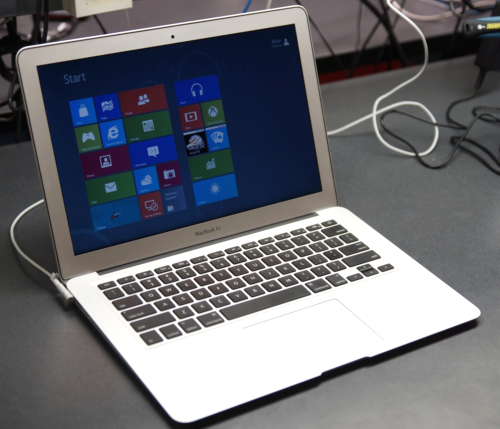 |
| Windows 8 on Macbook Air |
Luckily, the guys at Apple forums has found a fix to it and it worked for many, including myself. Here is the step by step fix:
1) Press the Windows button to bring you to the metro home page
2) Type in "CMD"(without quotes)
3) You'll see "Command Prompt", right click on that and Run as Administrator
4) In the new command line window, type in the following commands
"bcdedit /set disabledynamictick yes"
5) Wait until the operation is completed.
6) Restart your machine
This fix may even work on non-Mac products which faces the same issue. Hope this helps!


