Introduction
As a Computer Science student, I always find a need to be connected and stay updated with the latest news on technology. I have always been in search of the incredible - A device which acts as my personal assistant, reminding me of my daily schedules, so that I can concentrate on more important things.
I was looking for a new Tablet PC. A Tablet PC of the right size for school, to view Word documents and PowerPoint presentations and is a good alternative to my heavy laptop. Portability was of utmost importance as was 3G Connectivity. I definitely need to be connected to the internet all the times to read my emails and update my social networks.
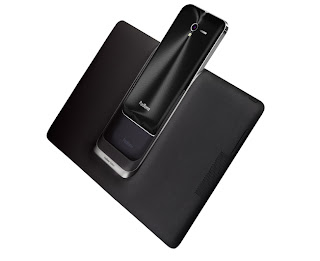
Although probably any 10” Android Tablet PC with 3G connectivity could have done the job, I searched for the perfect device which would fit the bill. ASUS Padfone 2 naturally came out as the device of choice. The Padfone 2 allowed me to reuse 3G Data Phone plan on both a new smartphone and a tablet device, which is what makes it unique compared to an individual smartphone or tablet device. I can have the best of both worlds, the portability of a smartphone and the large screen of a tablet pc, both on the same device. Padfone 2 is clearly the device for me, and I have not regretted my decision up to this date.
In the coming series of articles, I will review and comment on how the Padfone 2 makes my daily life more efficient. In this series, I will focus on how Padfone 2 brings out the best of the student in me.
How Padfone 2 supports my lifestyle as a student
Read materials on the go
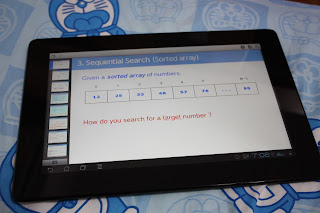 |
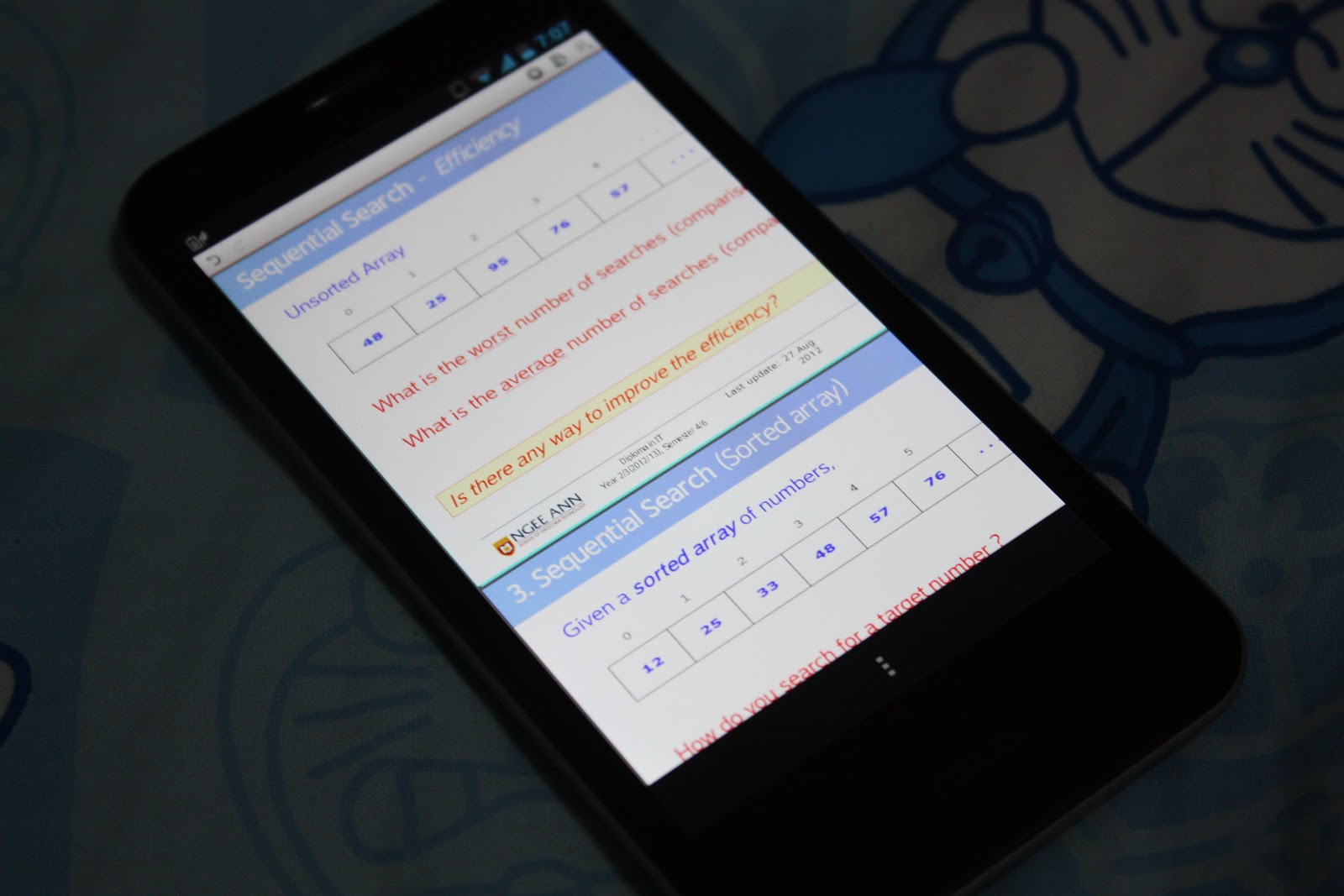
| PPTX slides are supported on Padfone 2 |
A device like Padfone 2 supports the educational needs of typical Singaporean student. It replaces the need for books. With all the E-Books needed for class downloaded into the device, I can revise for my school work and prepare for the lessons on the bus. With a full Polaris Office Suite installed, I can even download all the PowerPoint Slides from the school portal on the go and go through them to get a better understanding of the topics. All major document file types such as .docx, .pptx, doc, ppt, odx etc are supported, allowing me open these files without worrying about compatibility. Not forgetting that I can do all these work with the large 10” screen which makes viewing and editing so much easier.
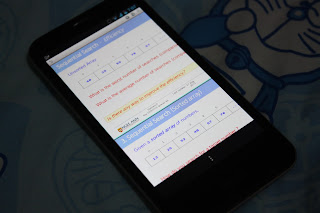 |
| Works well on the phone too! |
Documents editing flexibility
While I may be editing a word document on the bus or in class, I will want to continue editing the same document when I get back home on my Desktop. Luckily with ASUS Cloud Storage, I can edit the same document without transferring the files around. The files are all stored in the cloud and I just need to be connected to the internet to access these files. With the purchase of the Padfone 2, I was entitled 50GB of free ASUS Web Storage. This amount of storage space is in excess of what I need and I need not worry anything about storage constraints at all.
Note taking
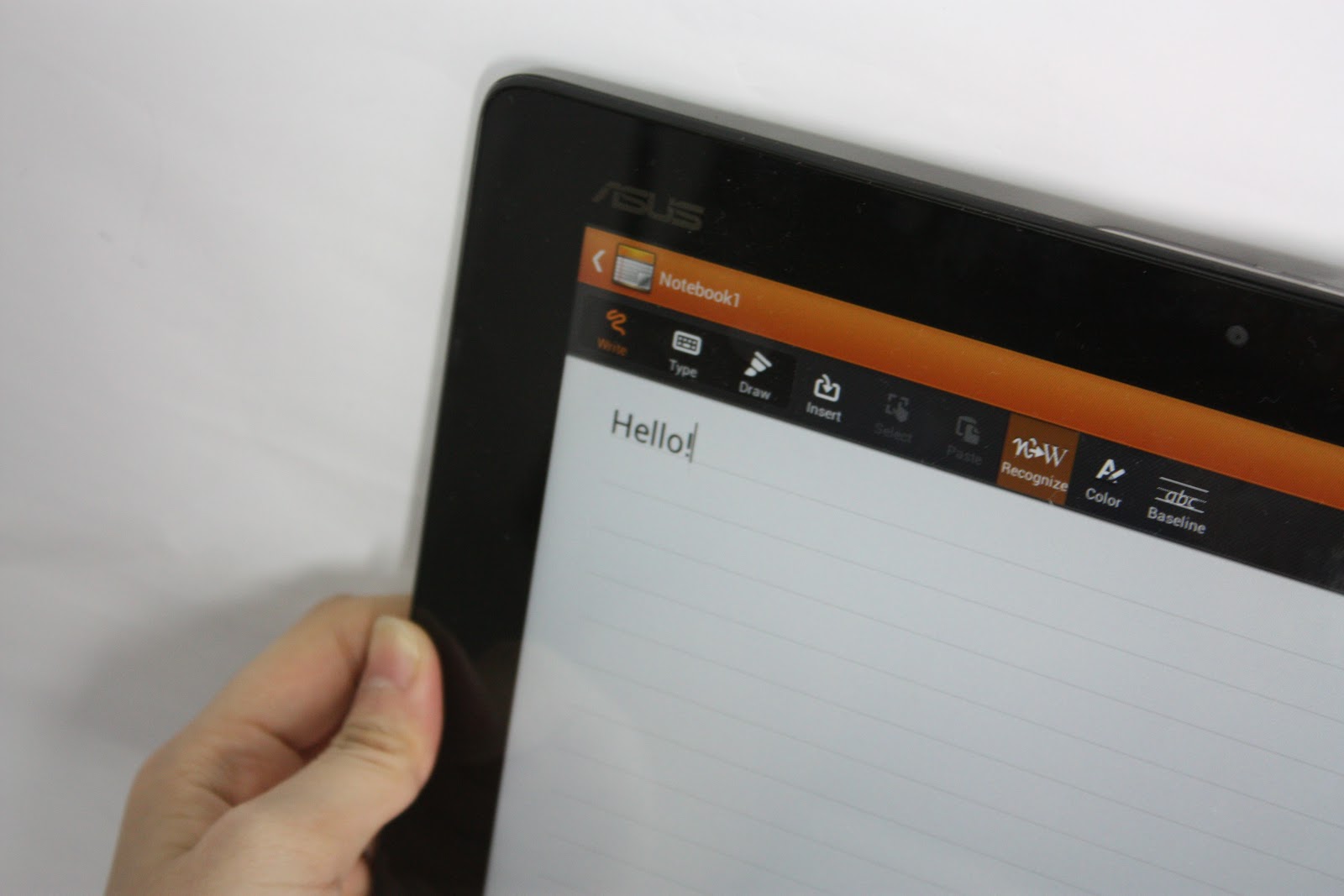
Note taking is probably the most important work to do during the lecture. Additional information that are not found on the slides or details which helps you understand the topics better are all written in notes and consolidated at the end of the lesson. Previously, I will always write my notes in my notebook, and usually, these notes are usually disorganized and will go missing. With SuperNote App preinstalled in the Padfone 2, note taking has never been this easy. With SuperNote, I can write, type and draw on the notes, allowing me to use the best way to interpret information. SuperNote can even recognize my handwriting and transcribe it to computer text directly. All these notes can then be sync directly to ASUS WebStorage for great file management.
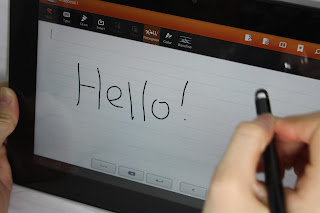 |
| Words can be written with a stylus or by your fingertips |
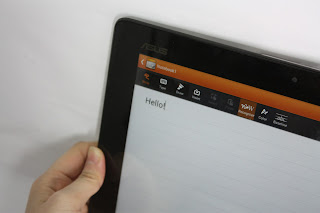 |
| Words are automatically recognized and transcribed into computer text |
Another useful feature of SuperNote is its ability to transcribe text of any language. I can simply write English characters together with Chinese characters and the application will do the work accordingly, without any change in settings. It makes editing dual language documents a lot easier!
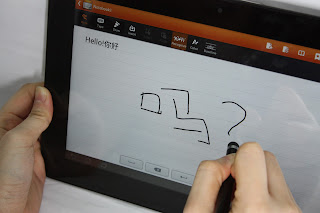 |
| Chinese characters can be written too! |
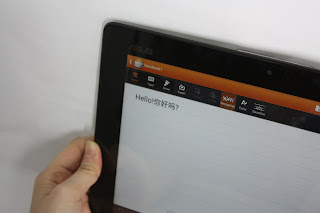 |
| SuperNote recognizes chinese characters and transcribes it accordingly |
Conclusion
The Padfone 2 has indeed made my life simpler for my school work. With a phone and tablet convertible, I can switch between device whenever it suits my lifestyle. In class, I can make use of the advantage of a larger screen to take out notes with my stylus. When I'm on the bus, it's much easier for me to just use the phone to read my notes and do my revision. Not forgetting its almost never ending battery life, I will never run out of battery again. The Padfone 2's versatility has won my heart over as a student and it will be a great device for my everyday use. Kudos to the engineers and designers at ASUS for such a unique device.