

Introduction
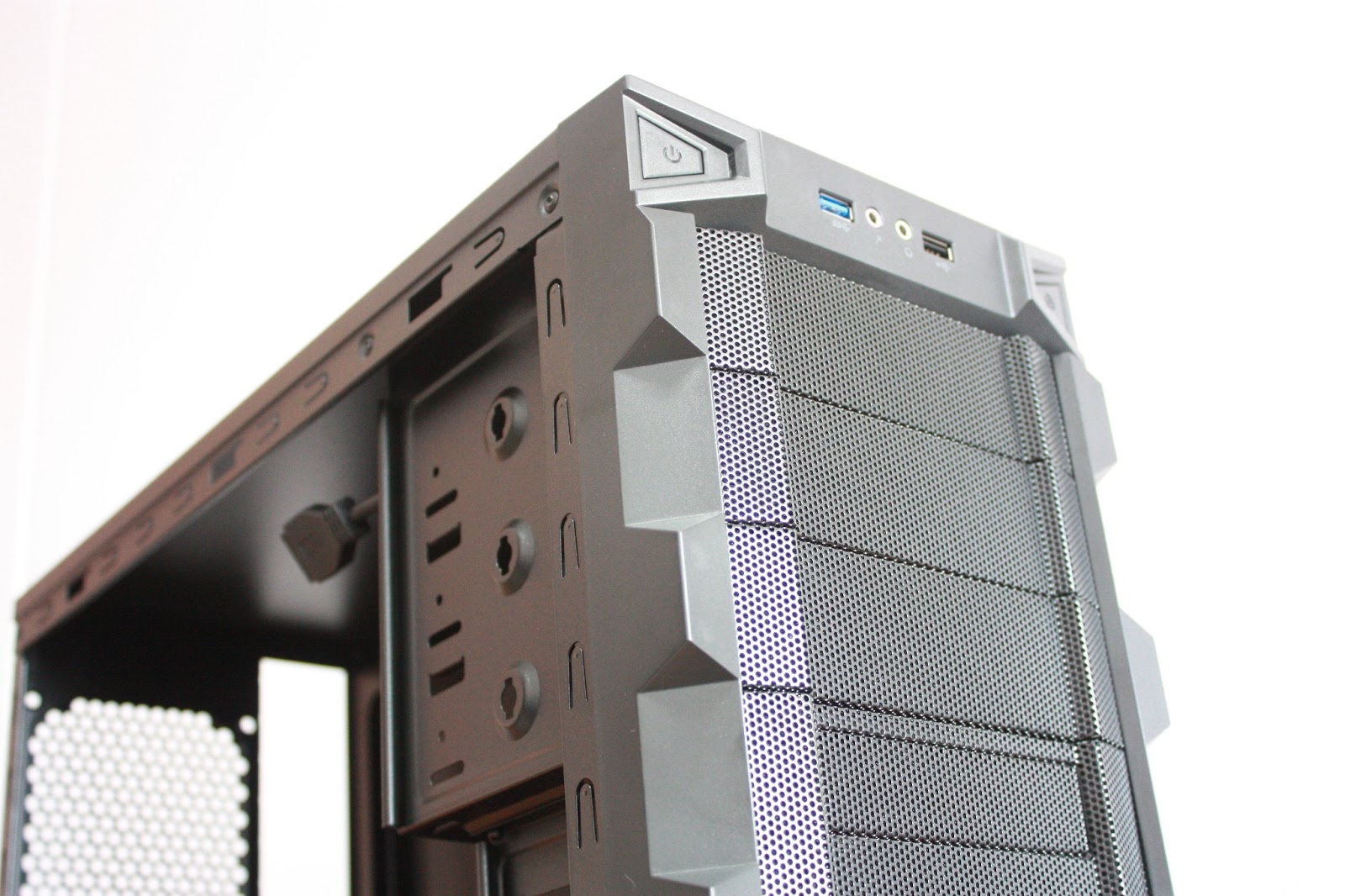
Cooler Master shouldn't be a foreign name to anyone who plays with computer hardware. Cooler Master have been manufacturing great computer cases for many years now and definitely have more experience as compared to the other new competitors in the market. Today, we take a look at the Cooler Master K280 Budget Gaming Case and let you determine whether the case is really as good as it sounds for those who are really on a tight budget.
First Look
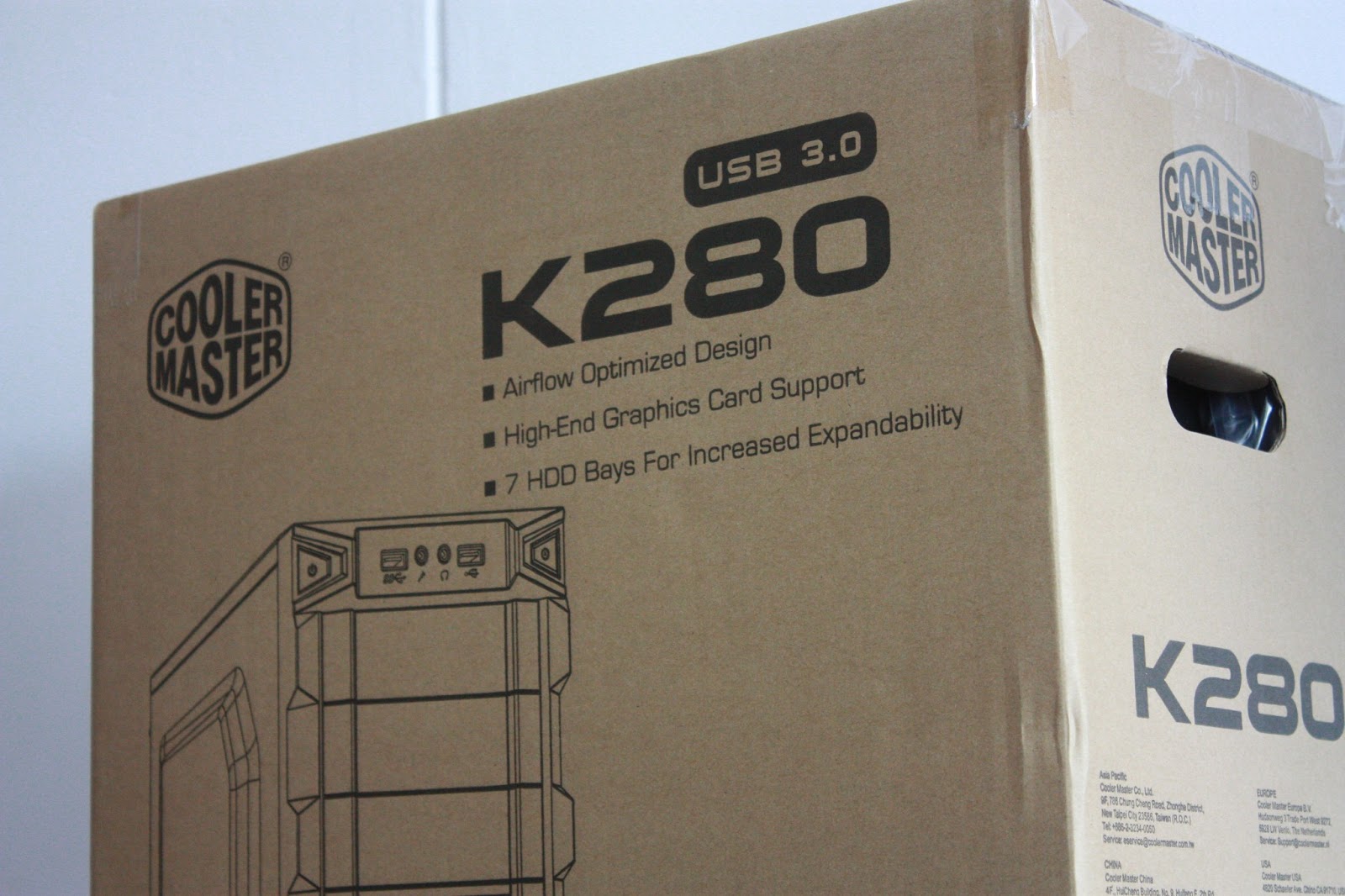
Judging from the box of the Cooler Master K280, one would conceive an idea that it would be a low quality made-in-china case that probably cost less than SGD$30. Don't let the first look of it deceive you. Inside the brown card-box is a beautifully designed mid tower case made for gamers.
Accessories
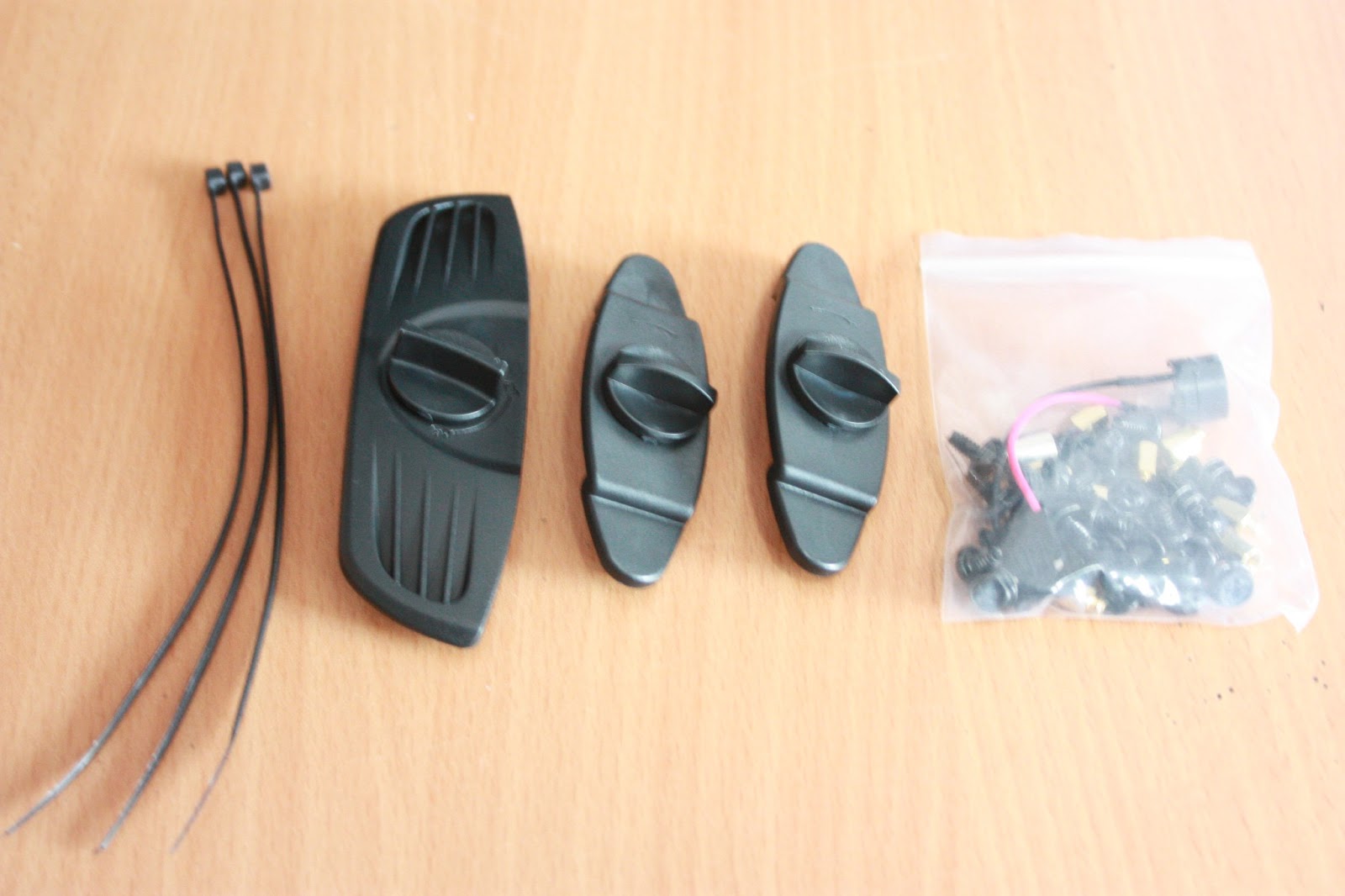
Due to the cost of the case, accessories are limited but sufficient for a high-end build. There is 1 5.25" and 2 3.5" Tool-Less tool, together with 3 cable ties and a few screws for mounting the motherboard and graphics card. Cooler Master included a POST Speaker for easier troubleshooting as well.
Core Features
USB 3.0 Support
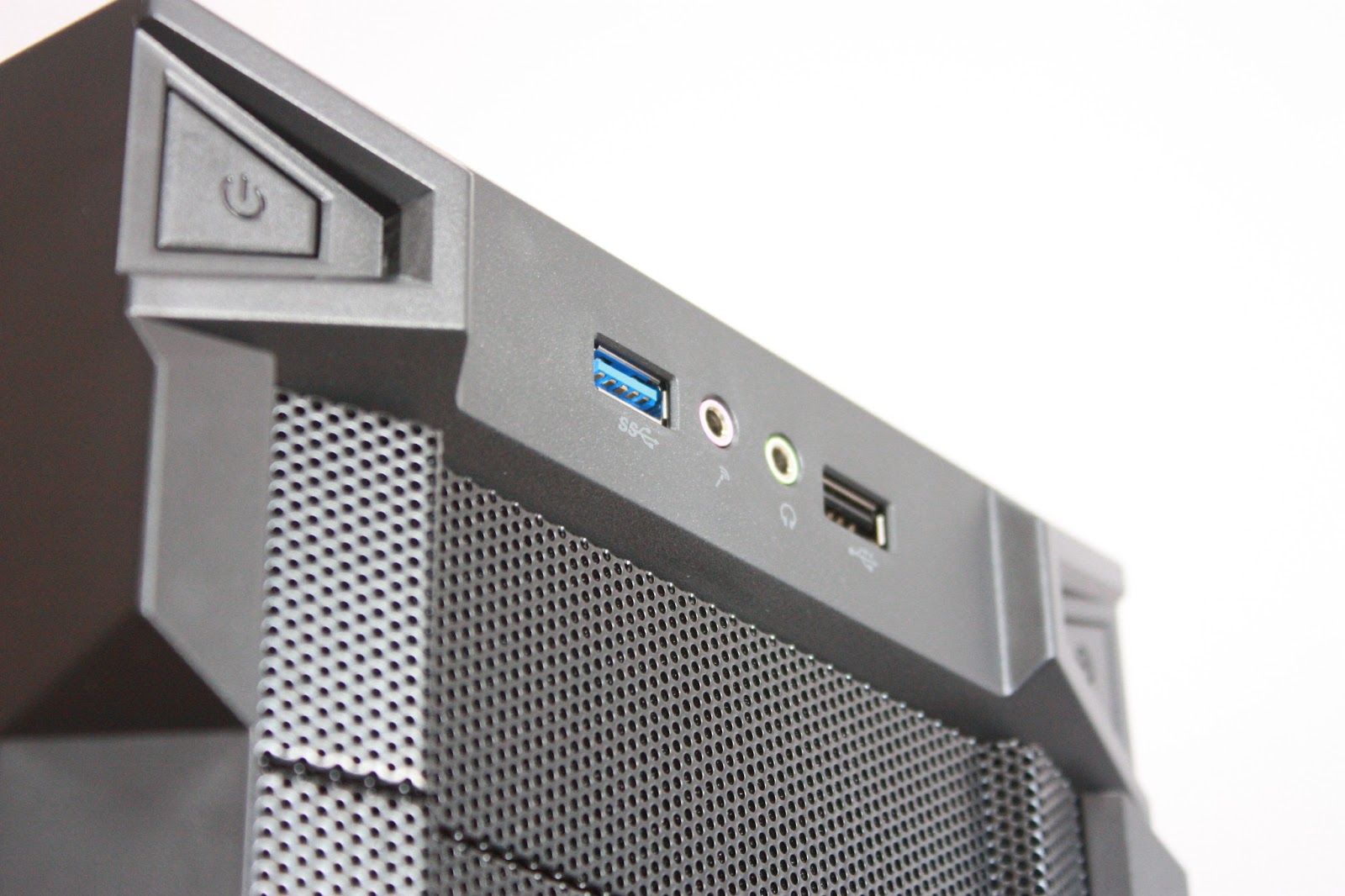
As USB 3.0 becomes a commodity in new cases, manufacturers find it difficult to include the USB3.0 ports to budget cases due to the increase in cost. However, Cooler Master decided to compromise and include 1 USB3.0 port on the front of the case instead of more commonly seen 2. Be assured that newer cases from Cooler Master will all have at least 1 USB3.0 port to meet the requirements of all system builders.
Tool-less in Mind
 |
| 5.25" Tool-less Design |
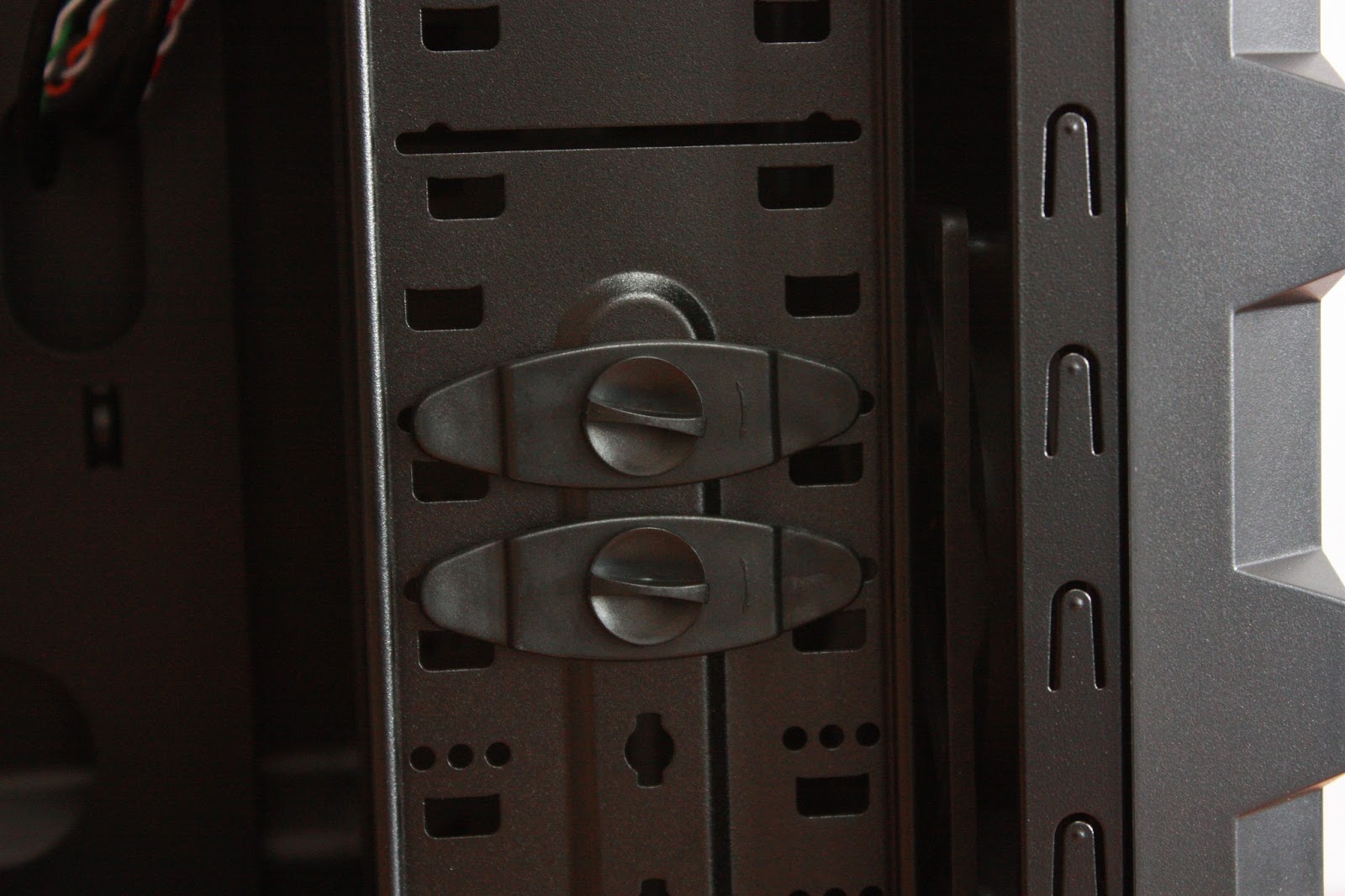 |
| 3.5" Tool-less Design |
 |
| Thumb Screws for easy opening of case |
3.5" Bay Support
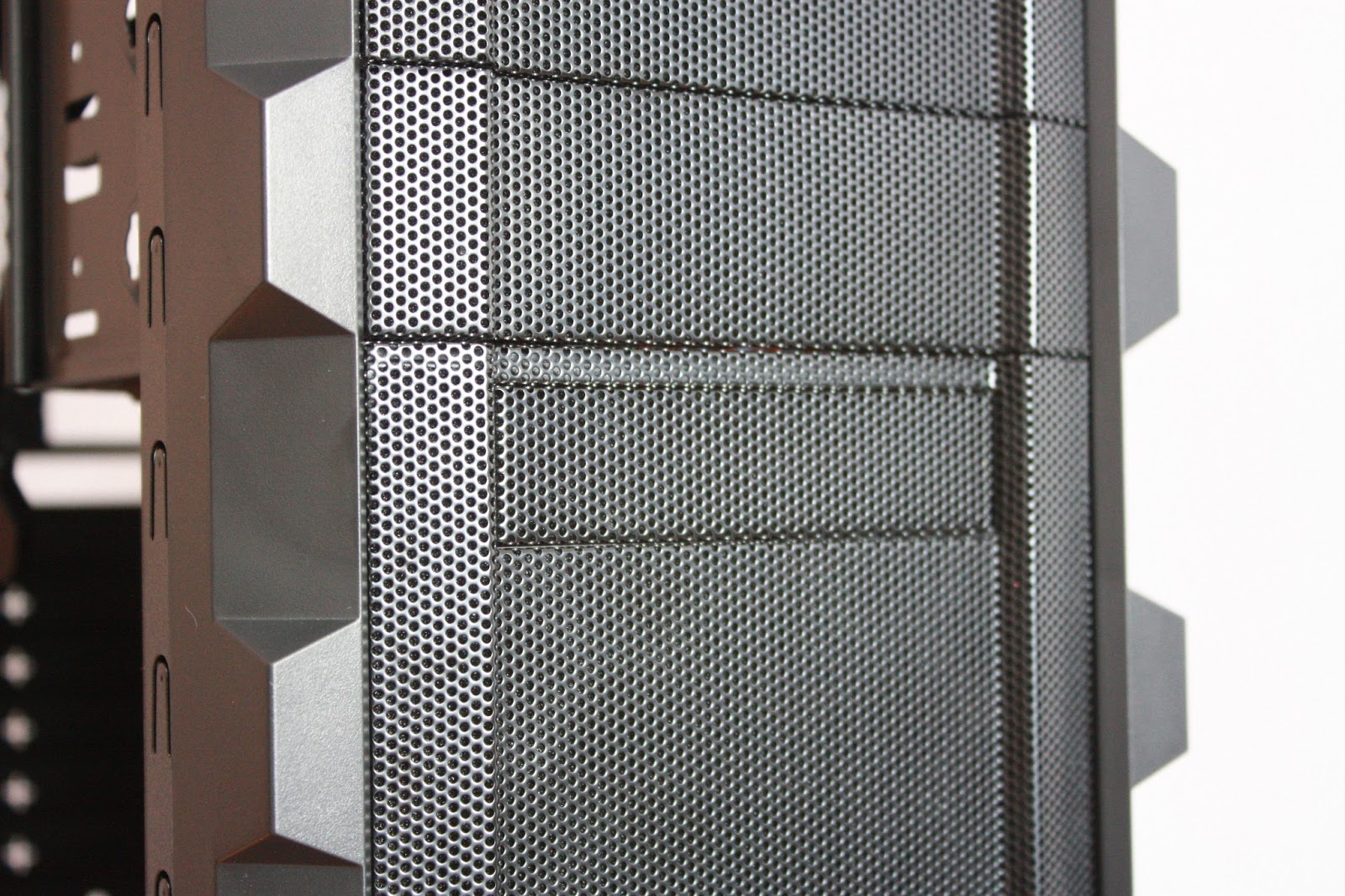 |
| Front 3.5" Bay |
A 3.5" Bay is also found at the front of the case just in case you're still living in the 90s' and needing a floppy disk drive. Other than that, 3.5" Fan Controllers or even Flash Memory / Card Reader Units or additional front USB3.0 ports can be installed here.
Front Intake Fan Support
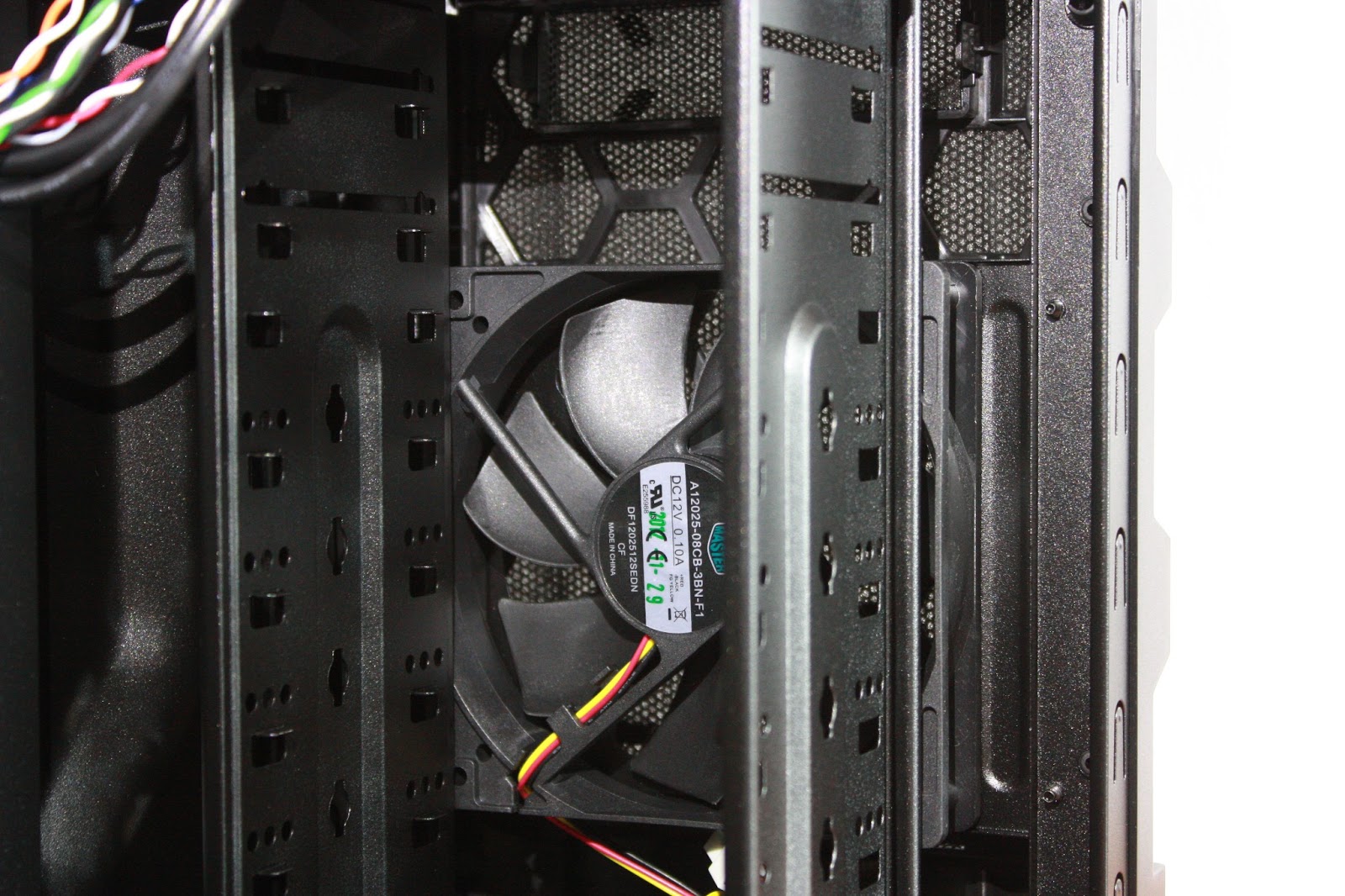 |
| Front 120mm Intake Fan |
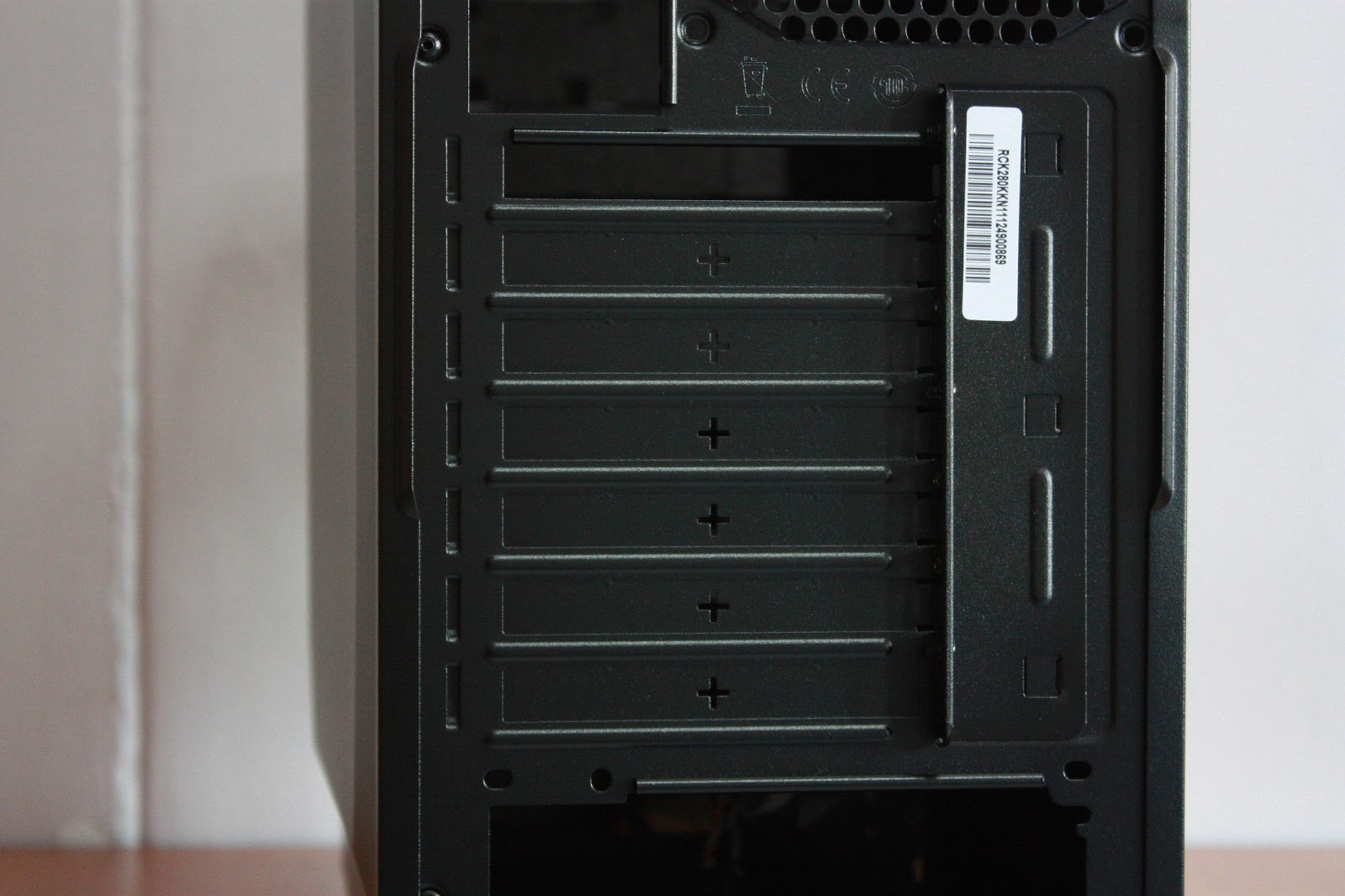
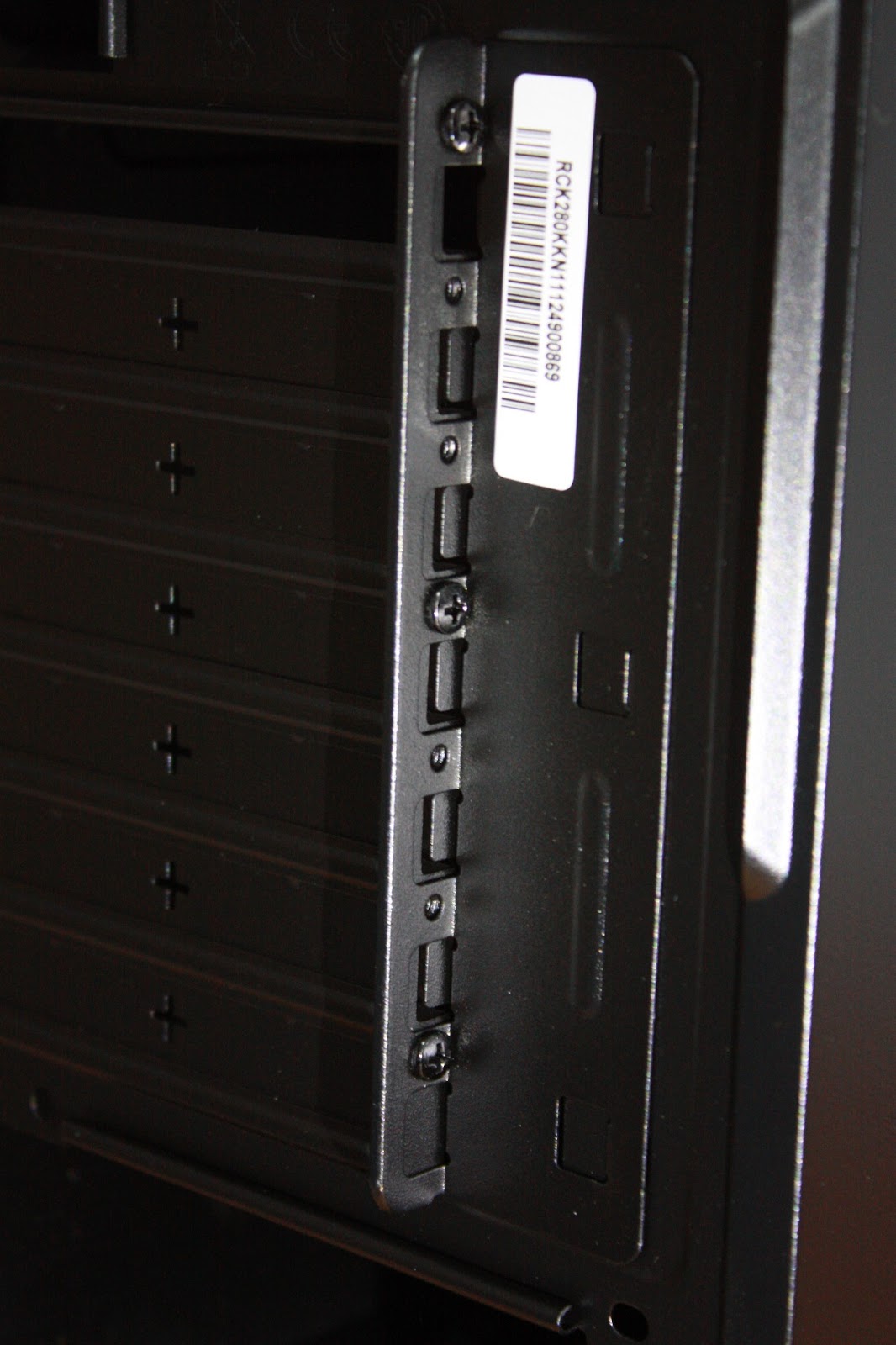
7 Expansion Slots
Design and Overview
 |
| Left Side of K280 |
 |
| Front of K280 |
 |
| Right of K280 |
 |
| Back of K280 |
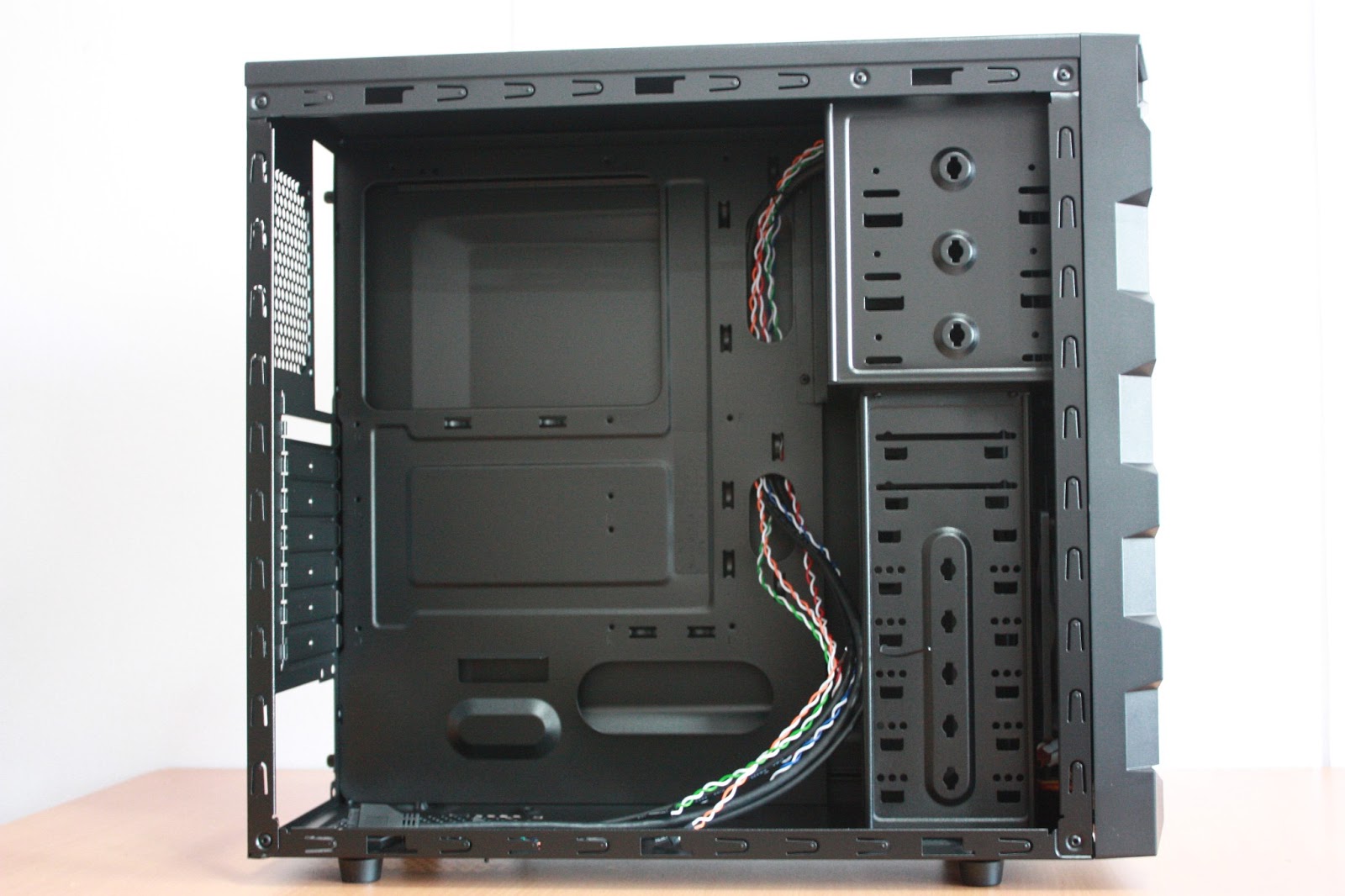 |
| Internal of K280 |
Conclusion
The Cooler Master K280 is a budget mid tower chassis with features found in expensive high end chassis. However, probably due to cost limitation for the production of the case, numerous limitations are also found. Some examples include - limited number of tool-less accessories, limited number of places to put fans. However, the high-end features found in the budget case outweighs these limitations. It's the first time we're seeing such a well aesthetically designed mid tower. The case will be able to win system builder's heart as it is technically designed with them in mind. Huge hole at the motherboard tray at CPU area for easily installation of CPU cooler and most definitely cable management features are what sets this chassis apart from any other cases of the same class.Cooler Master K280 retails at SGD$59 and is available at most shops in Sim Lim Square which sells System components.
Specifications
|
Available Color
|
Full Midnight Black
|
|
Materials
|
SGCC, HIPS Plastic, Mesh front
bezel
|
|
Dimension (W x H x D)
|
219 x 429 x 480mm / 8.6 x 16.9 x
18.9 inch
|
|
Net Weight
|
4.4 kg / 9.7 lbs
|
|
M/B Type
|
Micro-ATX, ATX
|
|
5.25" Drive Bays
|
3 (exposed)
|
|
3.5" Drive Bays
|
1 (exposed), 6 (hidden)
|
|
2.5" Drive Bays
|
1 (hidden)
|
|
I/O Panel
|
USB 3.0 x 1 (internal), USB 2.0 x
1, Mic x1, Audio x 1 (supports AC97 / HD audio)
|
|
Expansion Slots
|
7
|
|
Cooling System
|
Front: 120mm fan x 1
Rear: 120mm fan x 1 (optional) Side: 120mm fan x 1 (optional) |
|
Power Supply Type
|
PS2
|
|
Maximum Compatibility
|
VGA card length: 315mm / 12.4 inch
CPU cooler height: 162mm / 6.4 inch |


