Introduction
Singapore has already rolled out Optical Fibre Broadband for about two years now. As the market gets more competitive with new vendors joining the race, different vendors need to do things differently in order to stand out from the rest. For example, Viewquest is offering contract free fibre broadband plans.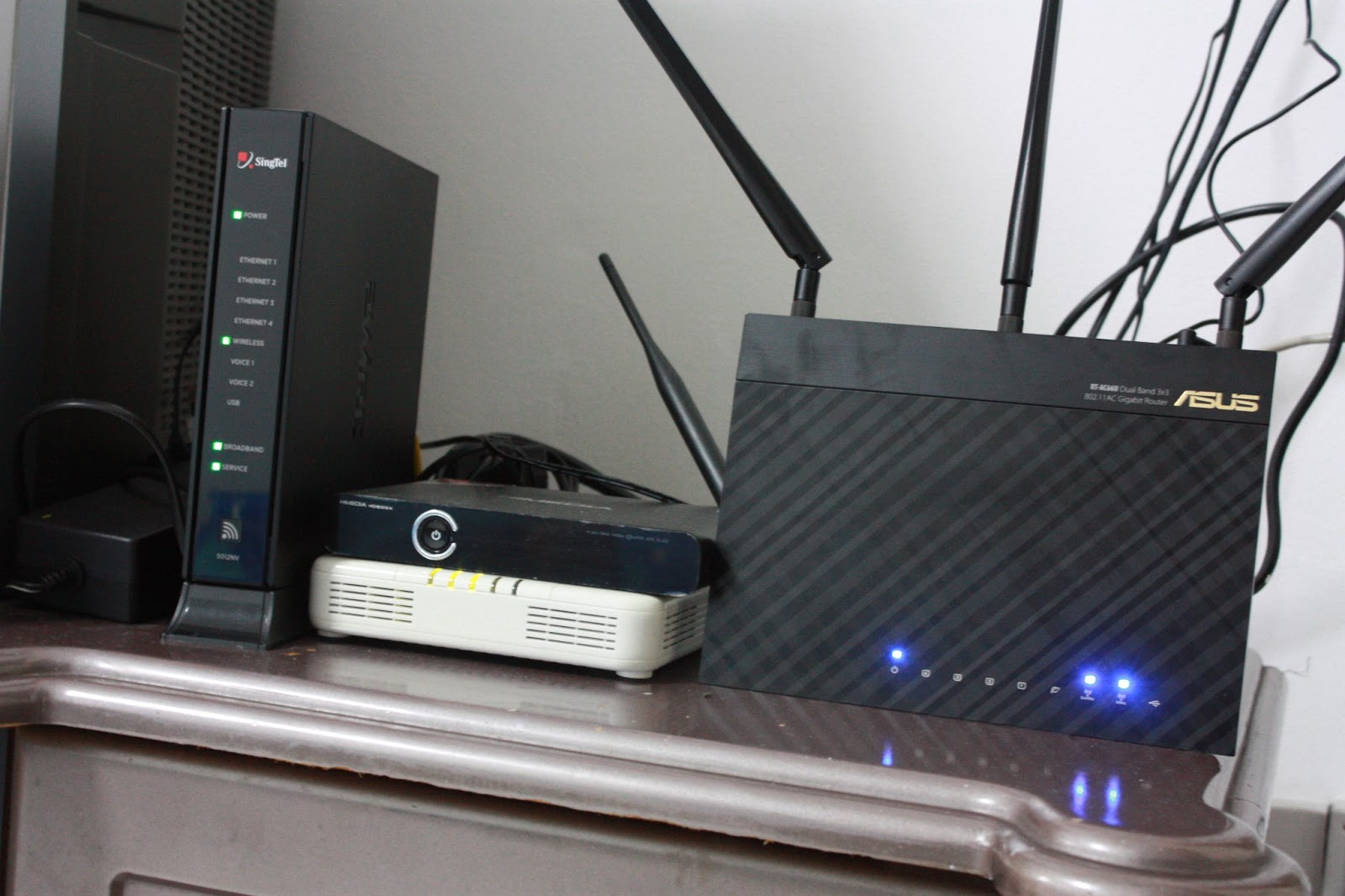
Fibre Internet speeds are extremely fast. It is so fast that usually, the personal home network infrastructure is unable to sustain the speed. For instance, wireless N (802.11n) speeds are theoretically limited at 300Mbps and practically averages at 50Mbps. If a user signs up for a 100Mbps Fibre Broadband plan and plans to reply solely on wireless connectivity, wireless bandwidth on the computer connecting wireless router will never reach the actual fibre broadband speeds. The user will therefore not be able to enjoy the full speeds which he purchased for.
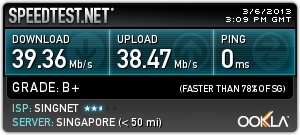 |
| Wireless N Speed on SingNet 100Mbps Fibre Plan |
Luckily, as technology improves overtime, wireless speed, throughput and bandwidth are bound increase. The problem of speed limitations set by Wireless N is now answered by a newer revision to WiFi standard - Wireless AC (802.11ac).
In this article, we will set up a new wireless infrastructure with Wireless AC standard within a typical 5-room HDB flat apartment. We will make our comparisons between the signal strength, wireless internet bandwidth and local area network connection wireless bandwidth between Wireless N and Wireless AC Technologies.
Network Components / Setup
Computers used :
MacBook 5.1
ASUS F2A85-M PRO System with AMD A5800K
ASUS F2A85-M PRO System with AMD A5800K
Wireless N Setup (Setup 1) :
- Broadcom BCM4322 Intensi-fi® Single-Chip 802.11n Transceiver on MacBook 5.1 (Wireless Receiver)
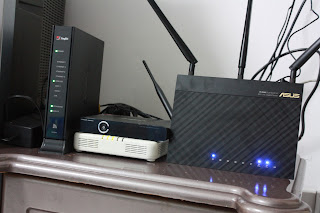
- 2Wire (Pace) 5012NV Wireless N Router
Wireless AC Setup (Setup 2):
- ASUS RT-AC66U Dual-band Wireless AC1750 Router
- ASUS PCE-AC66 Dual-band PCI-E Adapter
Wireless AC Setup (Setup 3):
- ASUS RT-AC66U Dual-band Wireless AC1750 Router
- ASUS USB-AC53 Dual-band Wireless USB Adapter
All tests will be carried out at the best possible configurations that is available for all setups. This means that a 5GHz connection on Wireless AC will be used to compare to standard 2.4GHz Wireless N to show the capabilities between the two technologies to the best of their limits.
Distance between Wireless Router and Wiress Receiver : 8 meters, 1 wall.
Distance between Wireless Router and Wiress Receiver : 8 meters, 1 wall.
First look at the Wireless AC Products from ASUS
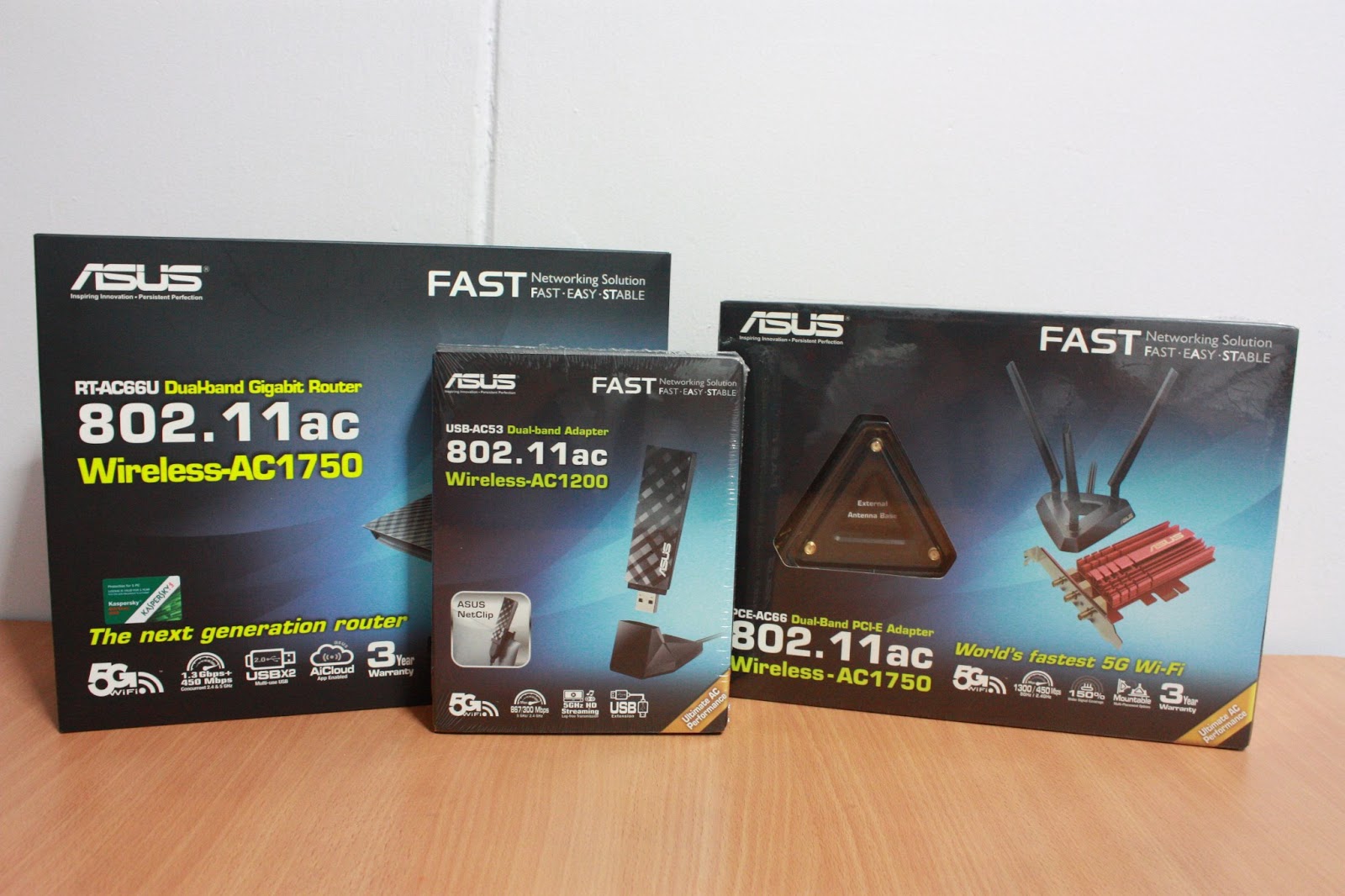
ASUS is probably the first manufacturer in the market to have a full range of Wireless AC product for sales. All the products are already ready for purchase at major retailers and shops in Sim Lim Square/ Funan Digitalife Mall.
ASUS RT-AC66U
 |
| RT-AC66U |
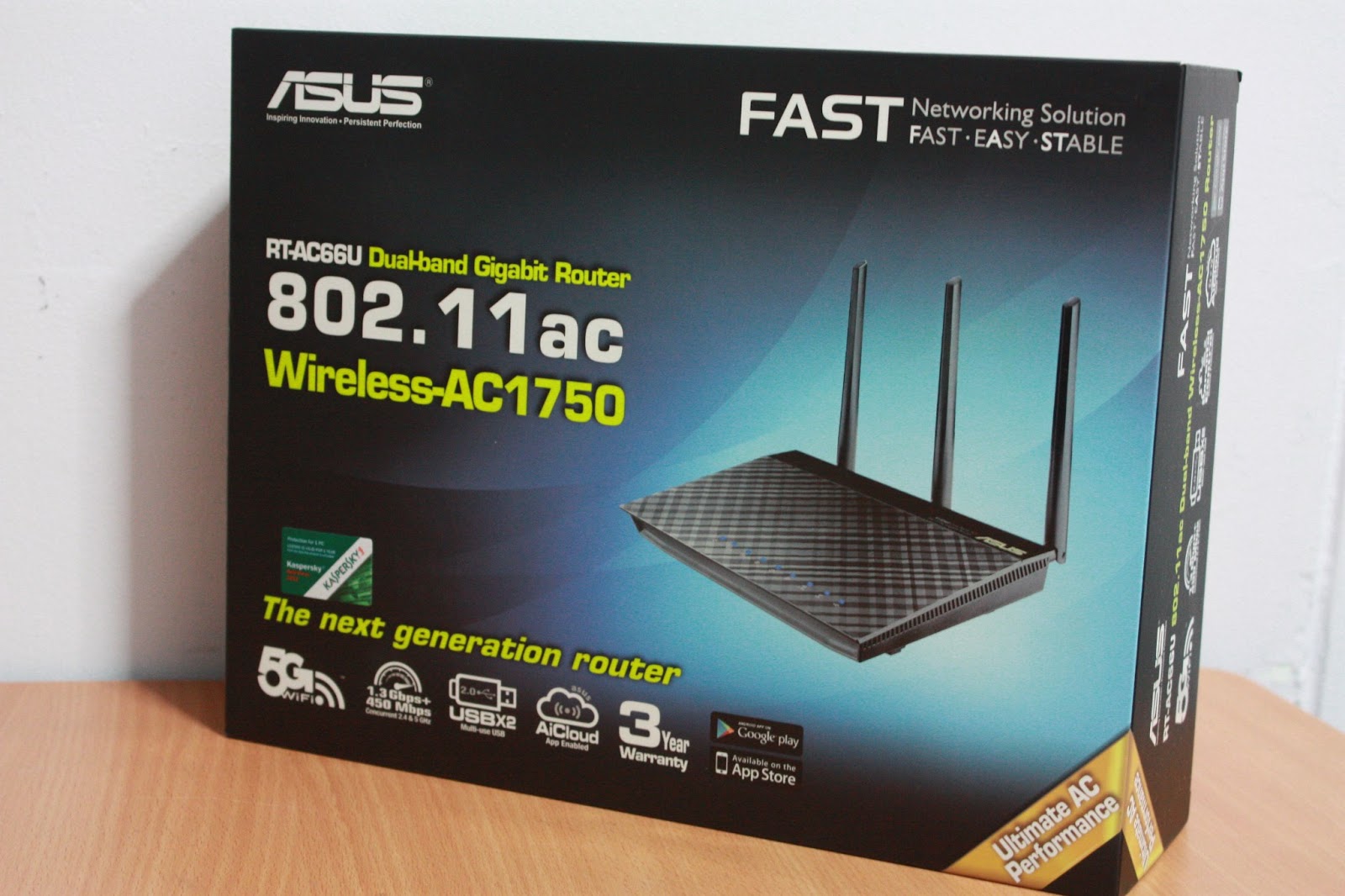
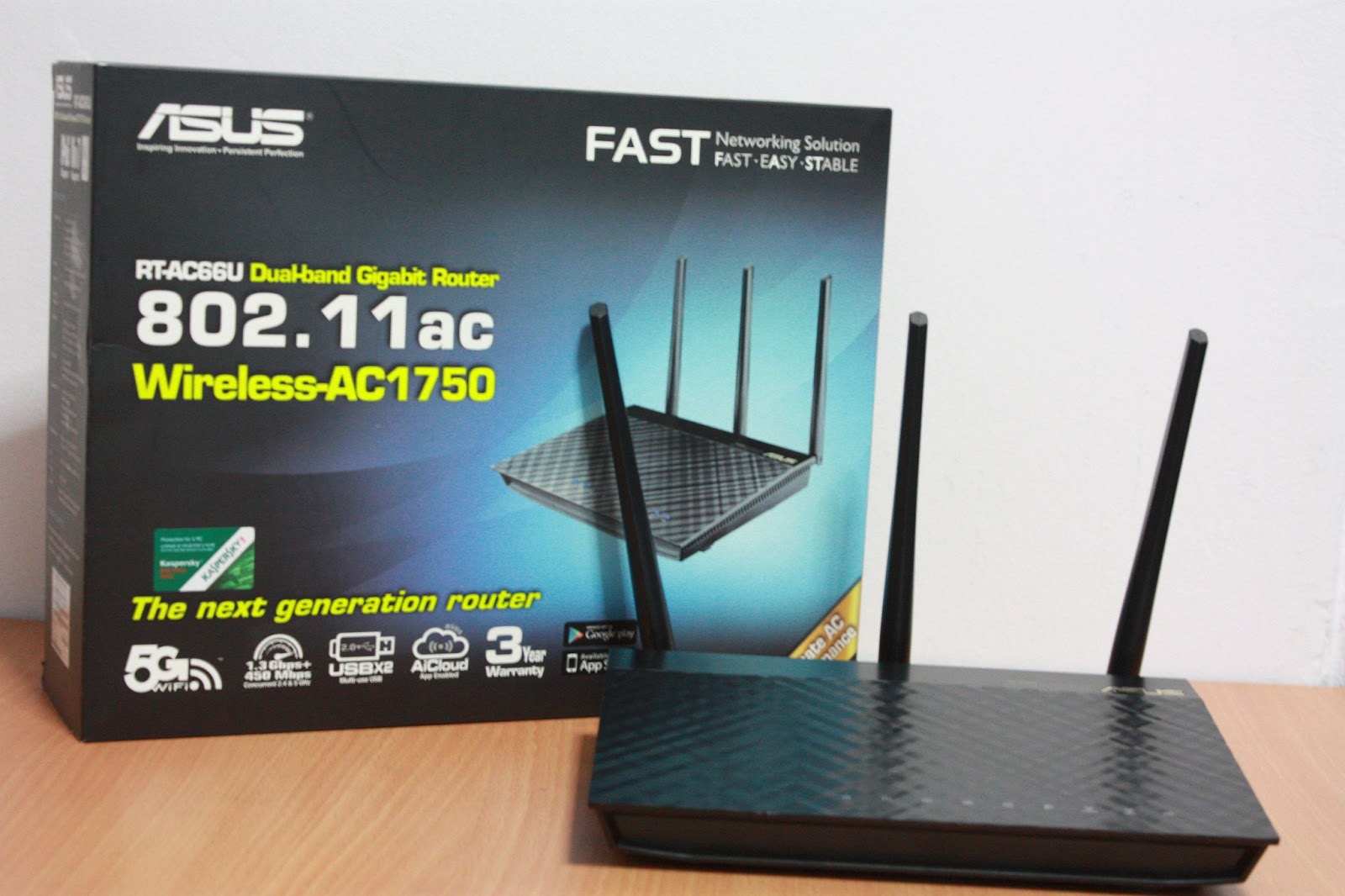
ASUS RT-AC66U is the first full Wireless AC1750 Router from ASUS. It is a dual band router, which means that it will operate at both 2.4GHz and 5GHz at the same time. Theoretical speeds can even go up to 1.6Gbit/s on this router.
 |
| RT-AC66U |
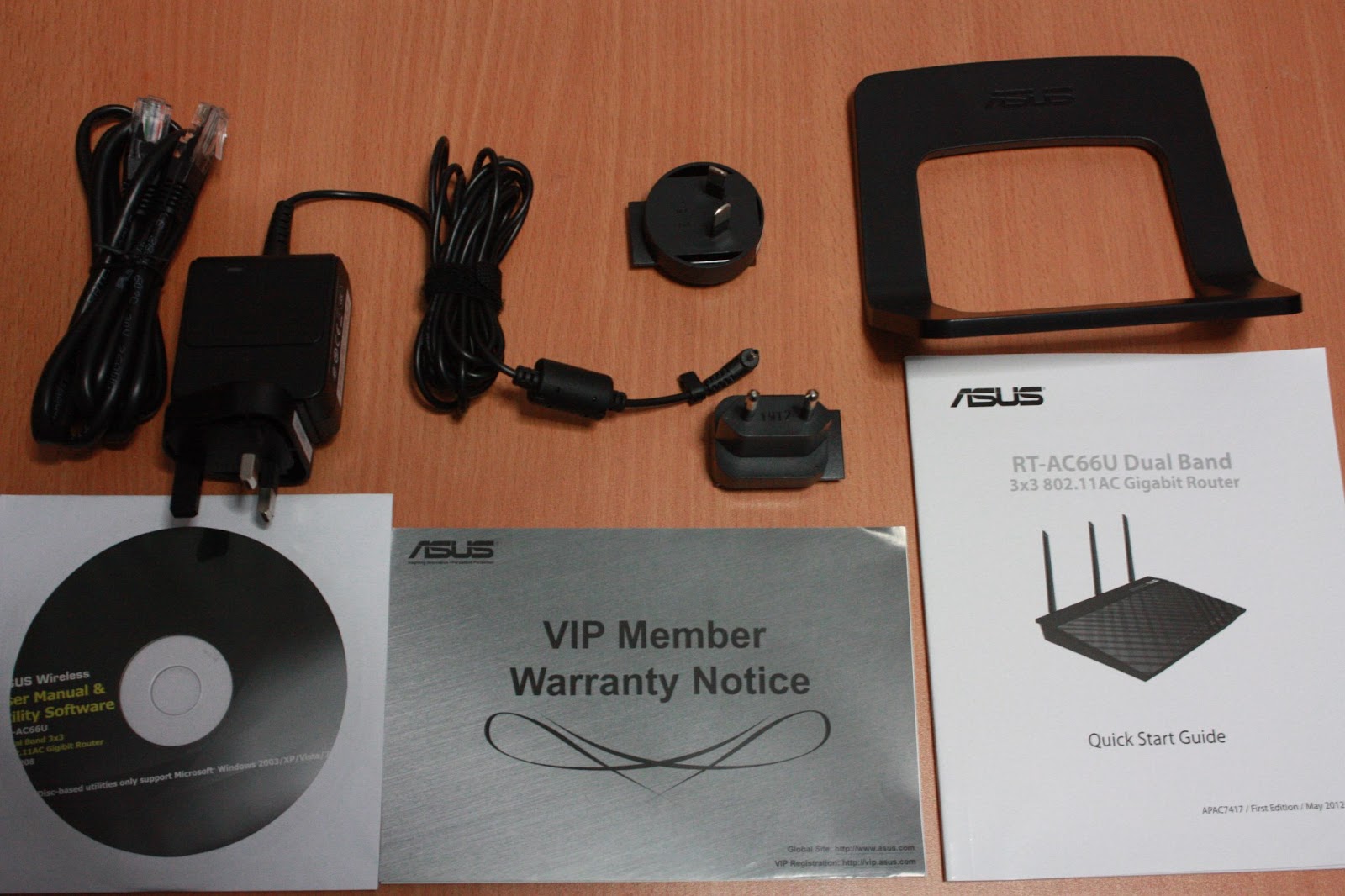 |
| RT-AC66U Accessories |
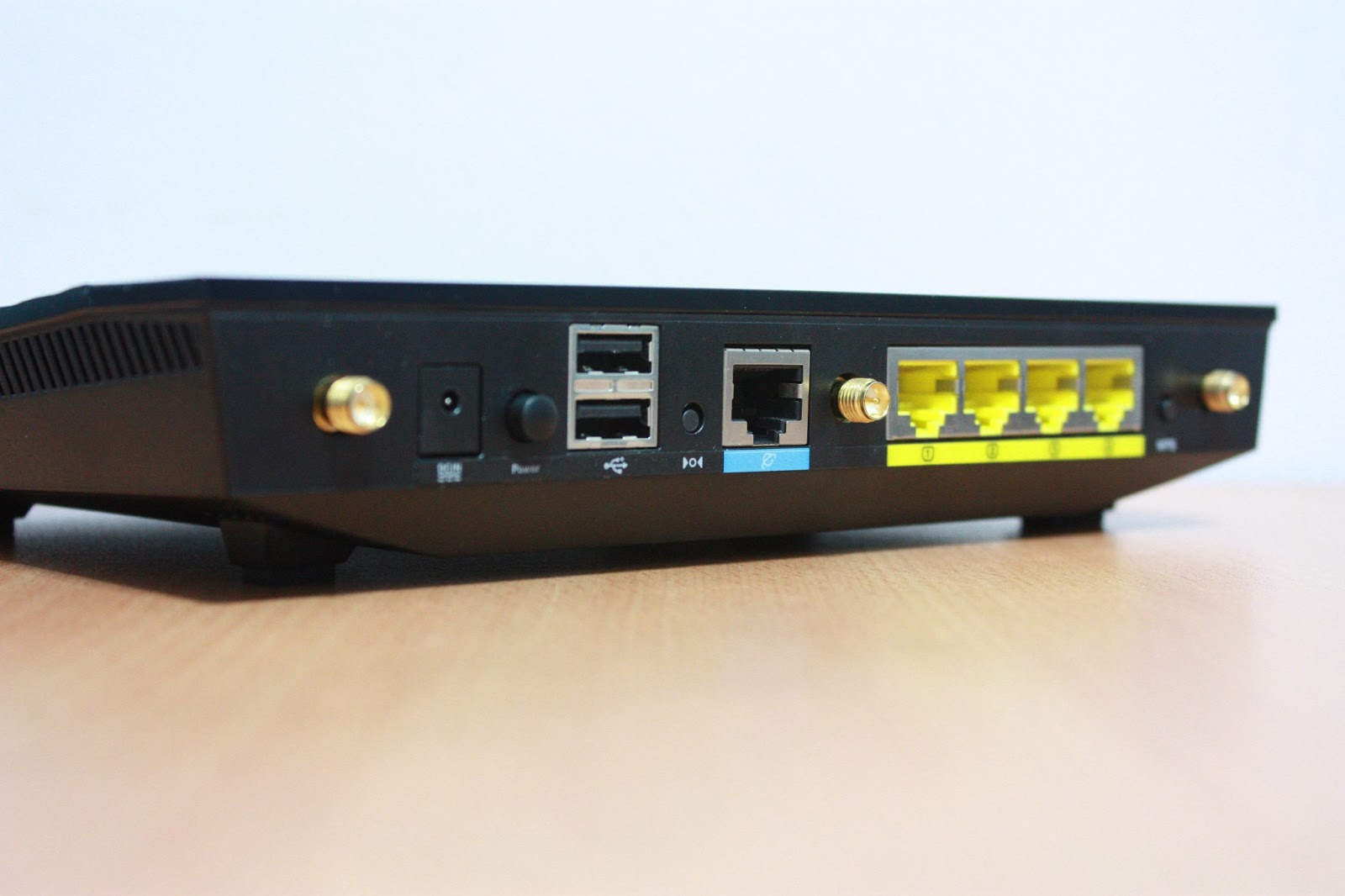 |
| RT-AC66U Ports |
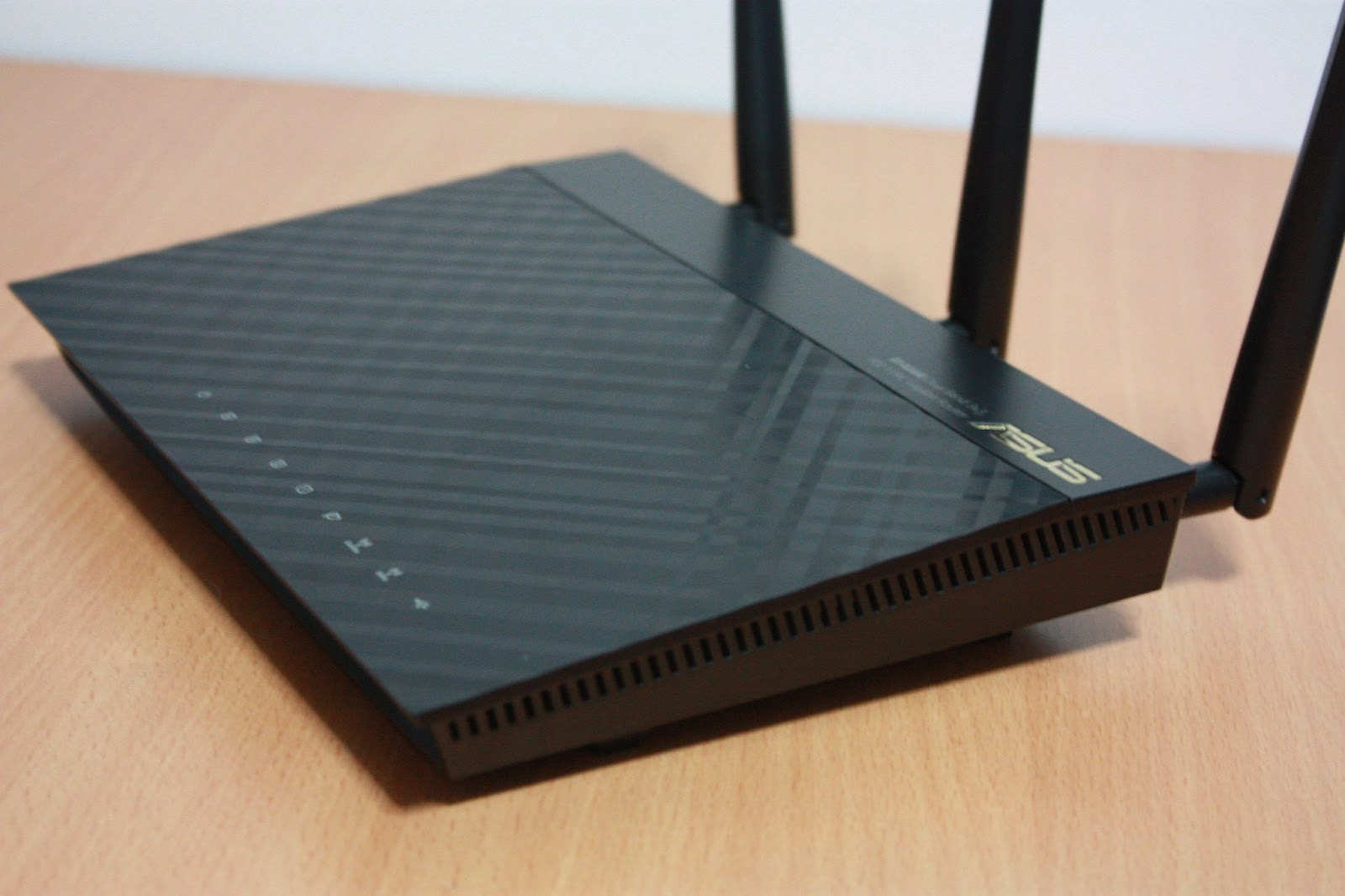
ASUS RT-AC66U continues to capture consumers' hearts with their famous black diamond design. It is definitely a router that will look good in your living room with such a sleek design.
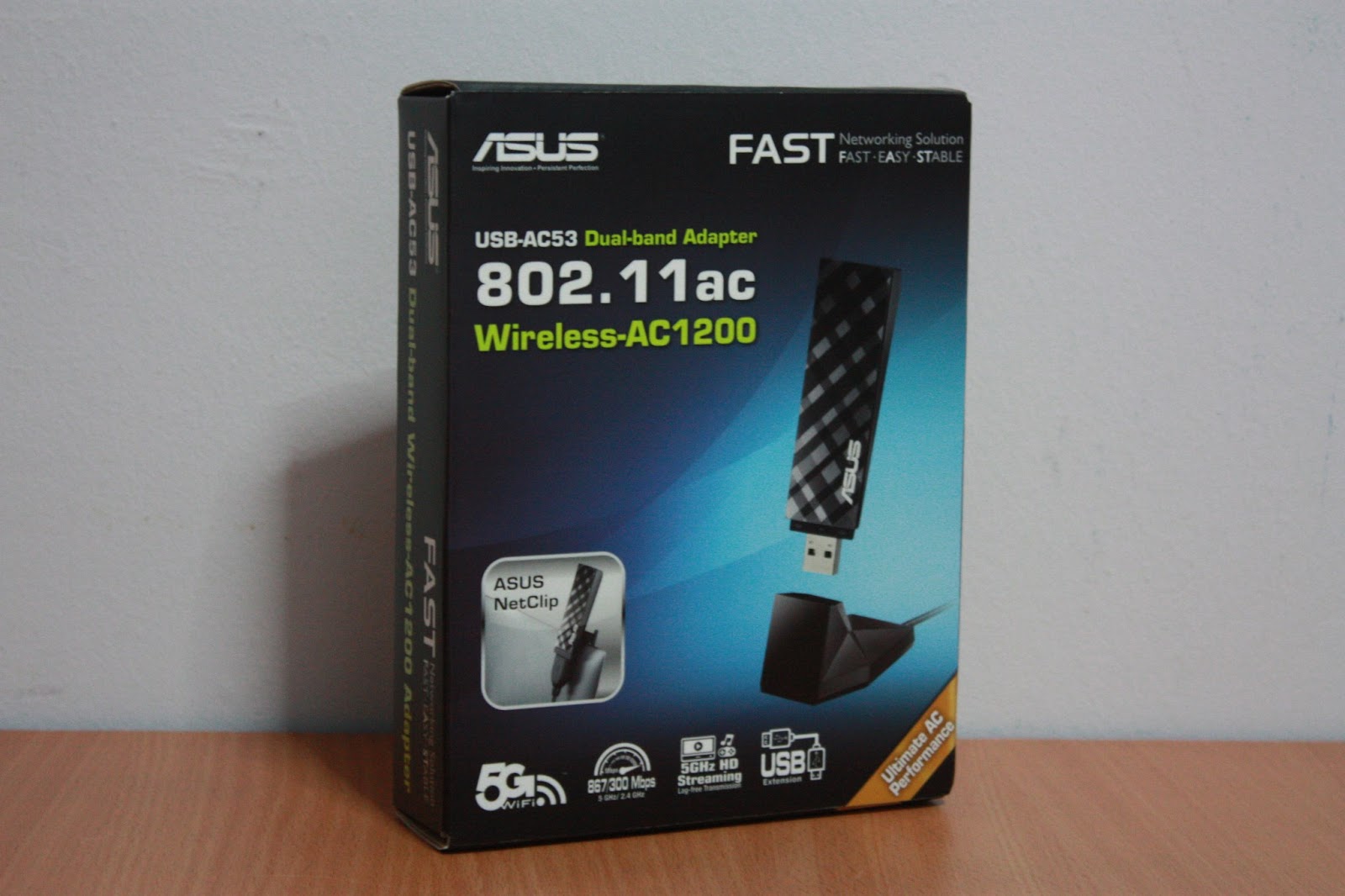
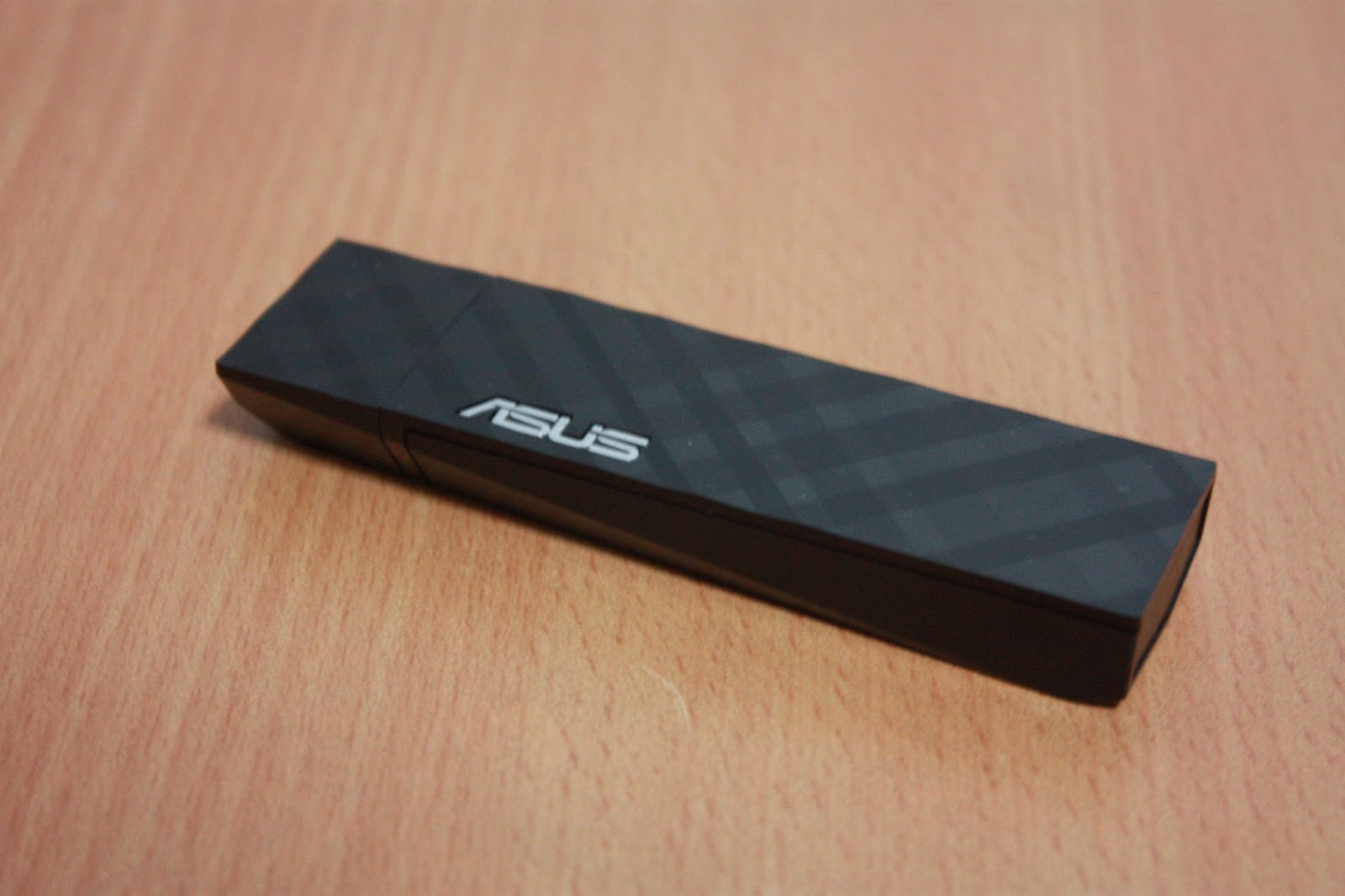
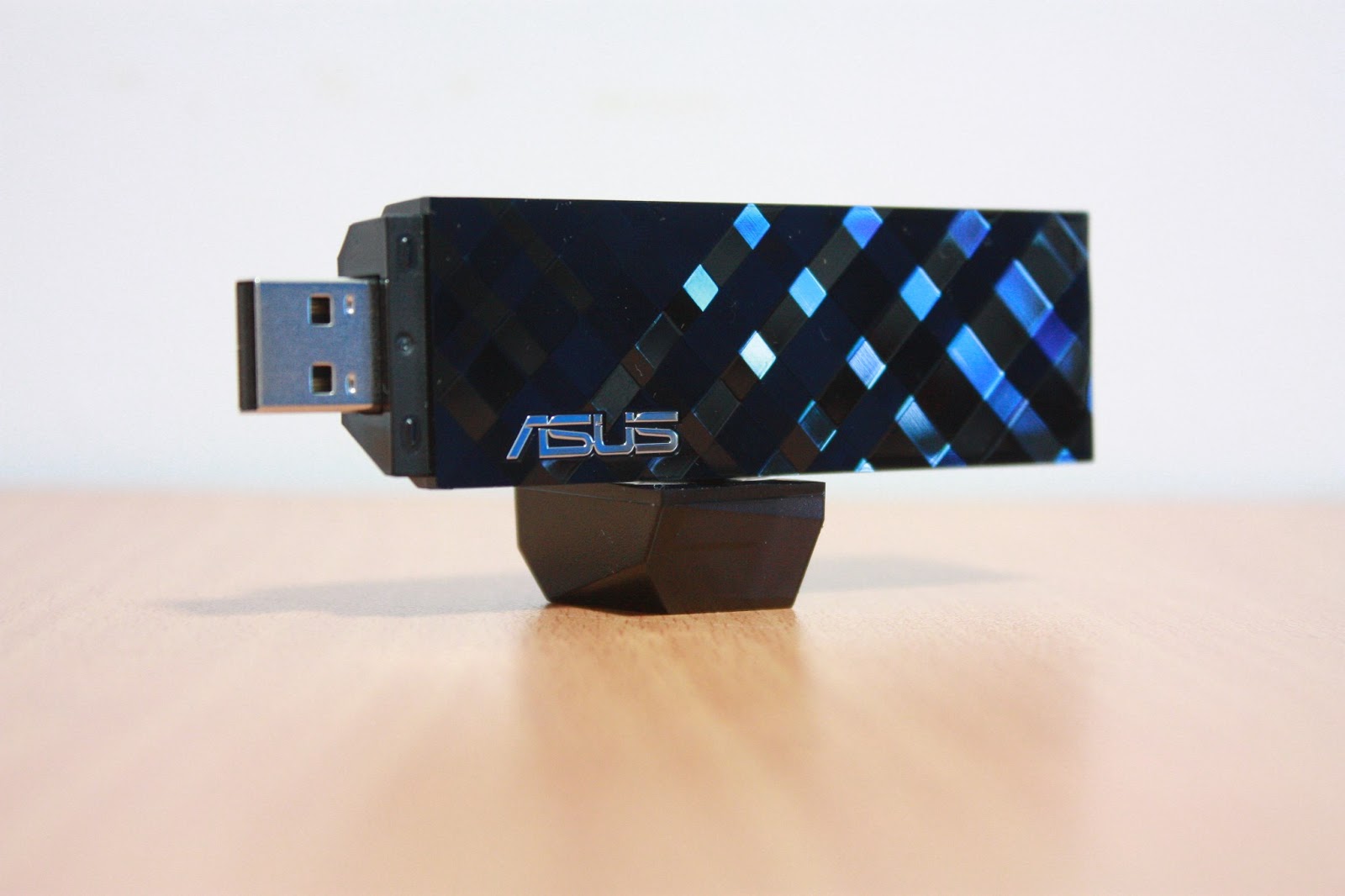
ASUS USB-AC53
 |
| ASUS USB-AC53 |
 |
| ASUS USB-AC53 |
 |
| ASUS USB-AC53 |
ASUS PCE-AC66
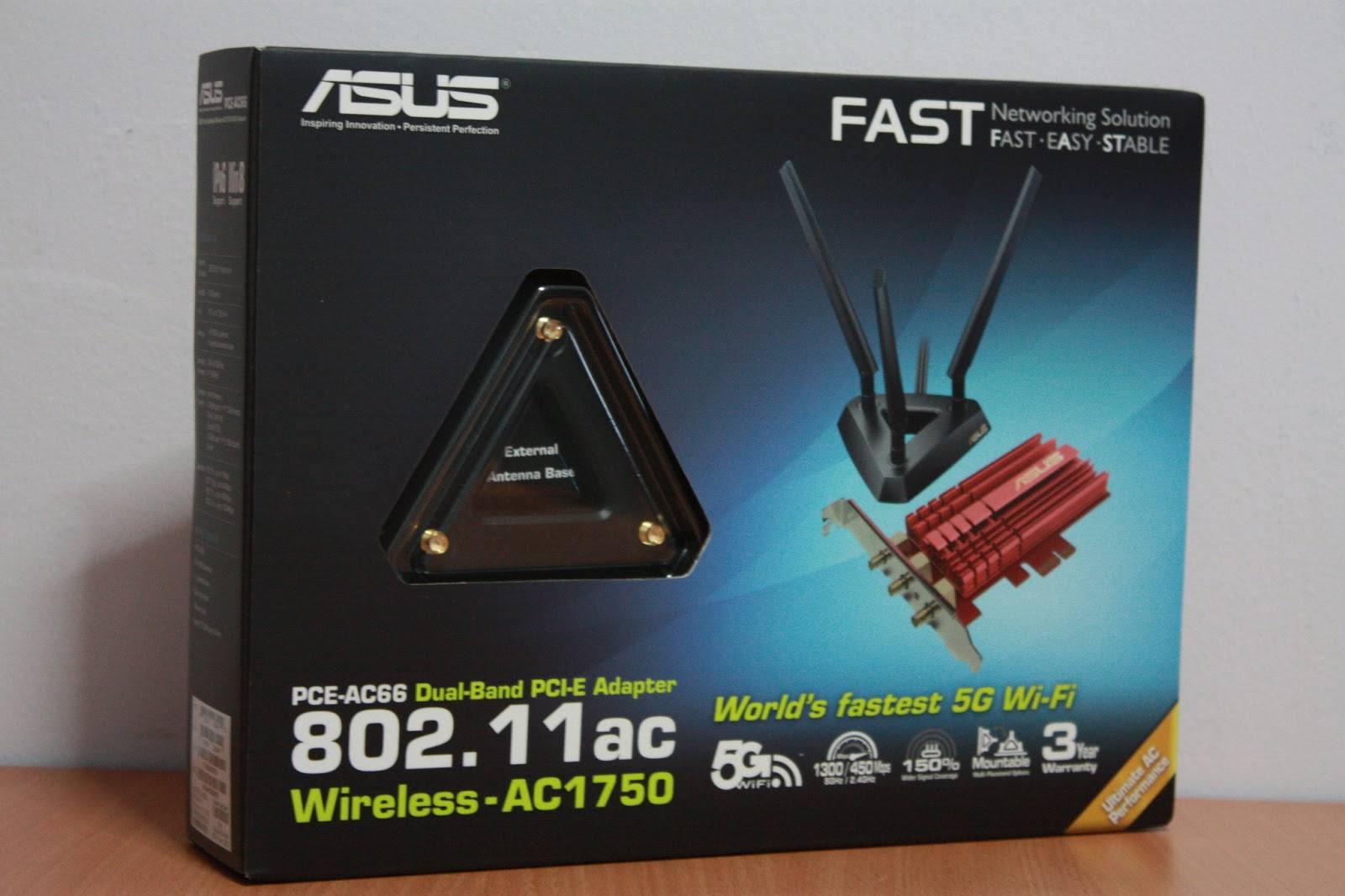
ASUS PCE-AC66 is the answer to the problems posed by the USB-AC53. Because PCE-AC66 makes use of a PCI-Express X1 interface, there is sufficient bandwidth to reach speeds far beyond USB2.0. PCI-Express X1 interface bandwidth is rated at 2Gbit/s. Since the fastest Wireless AC can go is at 1.3Gbit/s, there won't be an issue reaching the maximum speeds.

Within the box are 3 antennas, an antenna extender, a low profile adaptor, Driver CD, Quick Start Guide and Warranty Card.
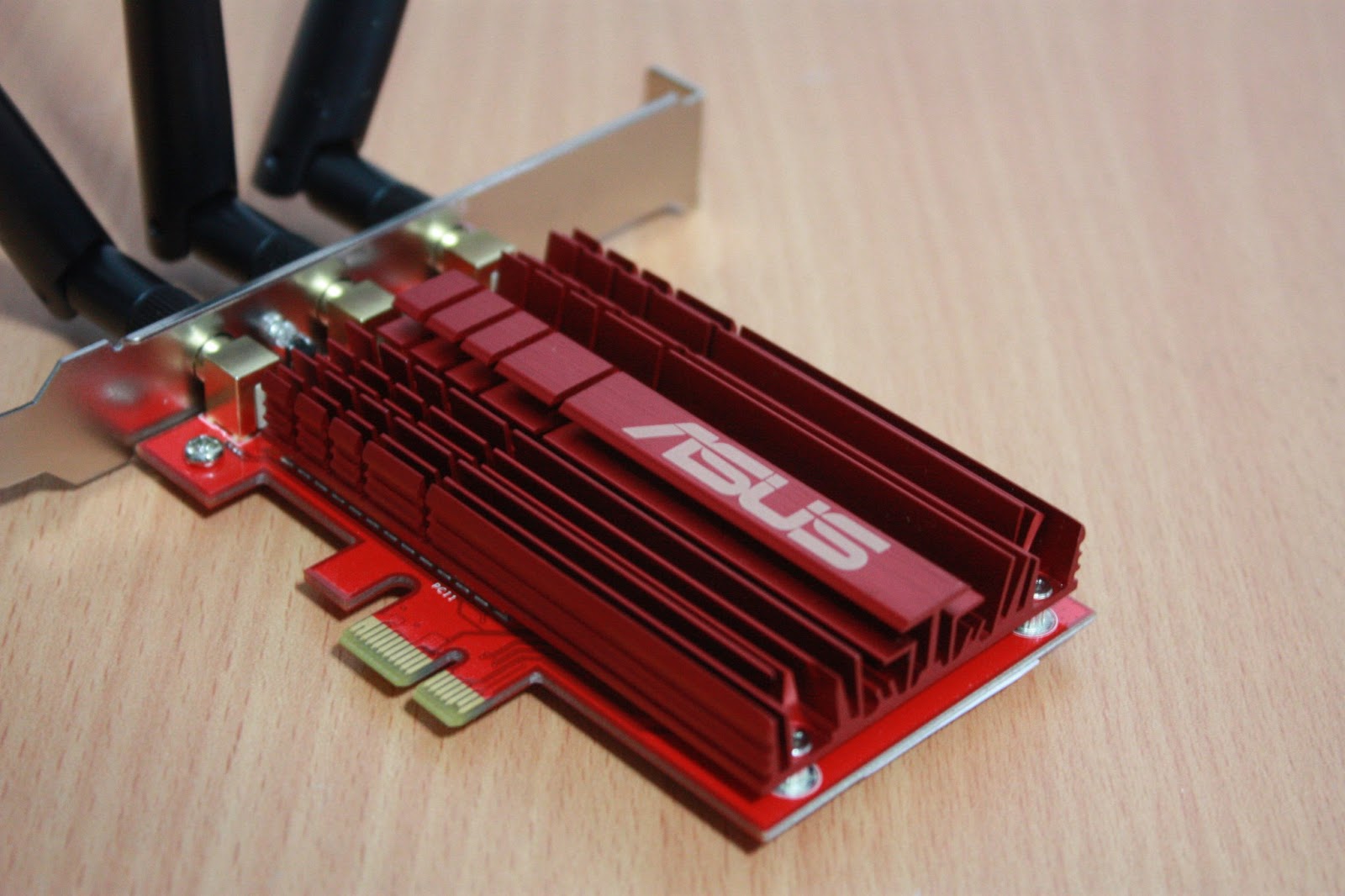
This PCI-E Wireless AC Network card is equipped with an overkill red heat sink on top of its network chip.
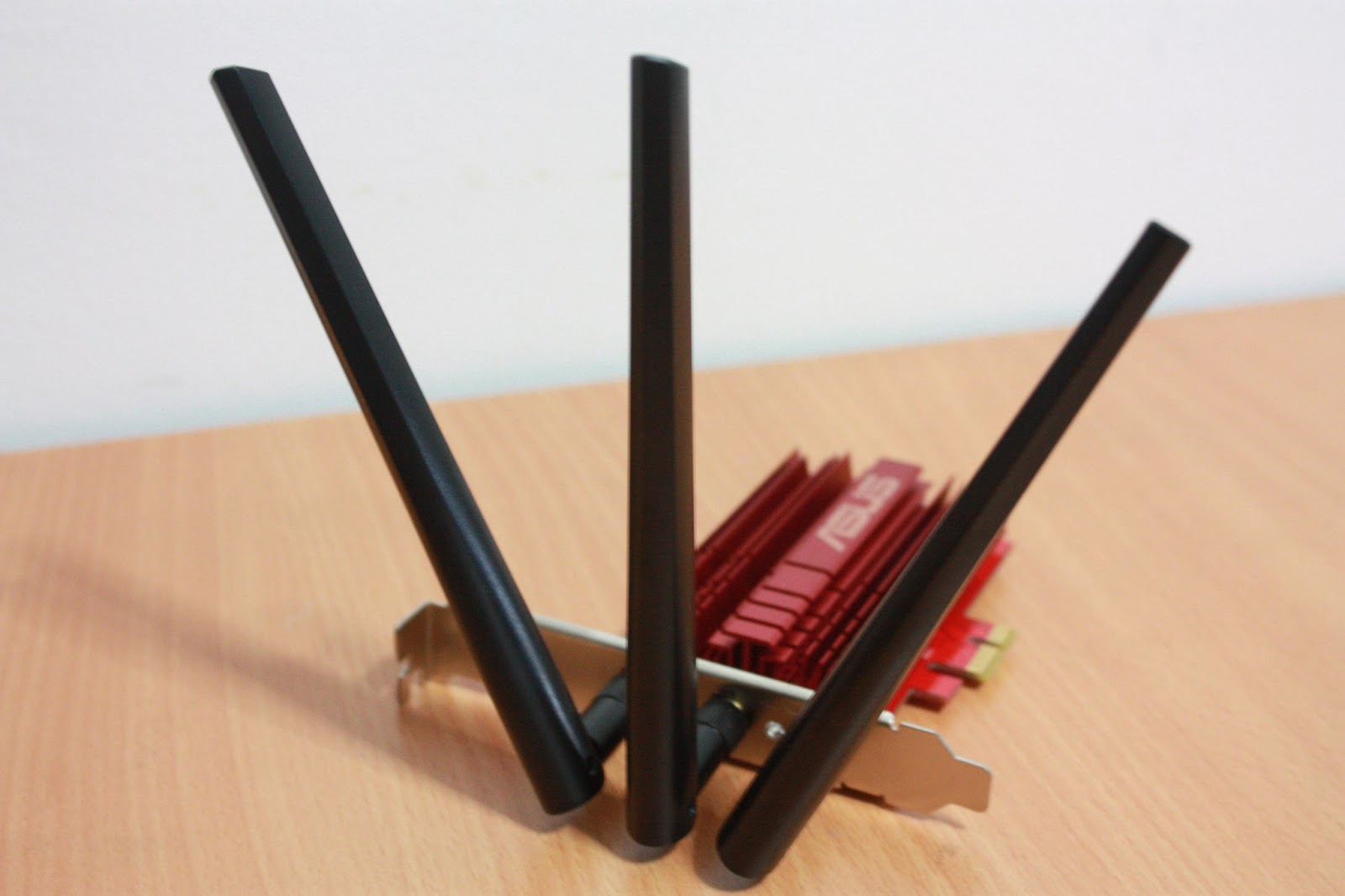
Three long antennas are attached to the card to make sure that wireless signal can be received even from far.

Just like any other network card, simple slot the ASUS PCE-AC66 into any PCI-Express slot and the card will work after installation of the drivers.
Testing Methodology
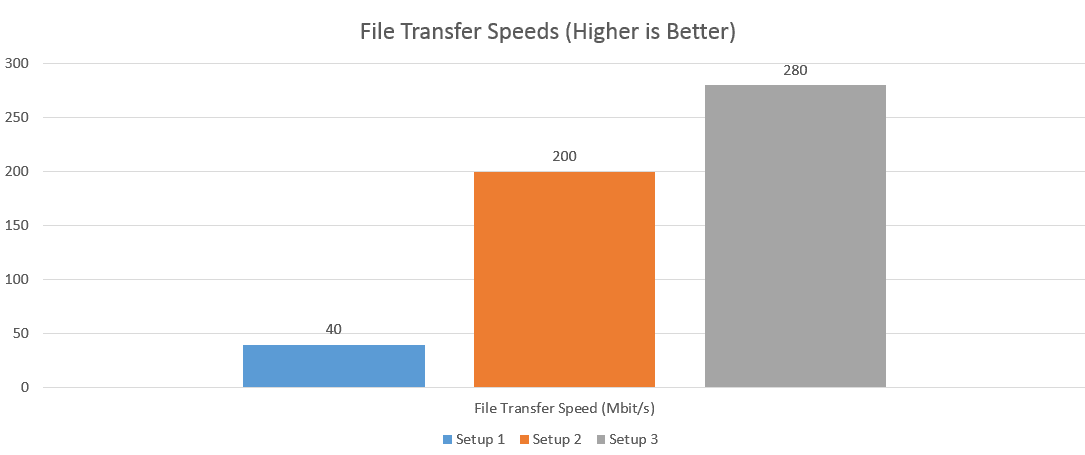
Firstly, SpeedTest.net was used to test the Internet Speeds of each setup to local SingTel servers. Secondly, Passmark's WirelessMon was used to determine Wireless Strength to their respective Wireless Router. Lastly, a single 1.4GB file was transferred from a computer connected via Gigabit LAN port on the router and was received from the wireless enabled computer. The average of the transfer speed was then taken down as results.
Performance Results


Conclusion
Based on the results from the different tests, it is obvious that Wireless AC indeed has significant improvements over Wireless N in terms of speeds. The results are clear. If you want to have actual fibre speeds on wireless, either setup on the PCE-AC66 or USB-AC53 will work well. However, if you are signing up for a fibre plan of a higher speed like 300Mbps or 1Gbps, it is still recommended to get PCE-AC66 instead. If not, a wired connection will always be the best. We can only wait for a USB 3.0 version of the Wireless AC dongle to be available on the market before we are sure that speeds above USB 2.0 bandwidth can be sustained. However, if you're using a relatively slower Fibre internet plan like mine at 100Mbps, the USB-AC53 works perfectly well. You can save a few bucks with this option as well.
All the 3 Wireless AC network components can be purchased at IT SHOW 2013 at promotional prices. If you are planning to upgrade from a Wireless N setup to a Wireless AC setup, this could be a good opportunity for you to do so.
Here's the price guide for IT SHOW 2013
Here's the price guide for IT SHOW 2013
For the LATEST tech updates, FOLLOW us on our Twitter and LIKE us on our FaceBook!